
It was annoying me that my panel was opening on the left hand side, but I could see it on the right in some of the demo videos and screenshots.
There wasn't any obvious setting in the plugin, but a quick Google shows that the position of the side panel is actually a Chrome browser setting, not something controlled by the plugin's code.
If you want to move it from the left to the right (or vice versa), you’ll need to adjust your browser preferences. Super simple and easy to do (once you know).
How to Move the Side Panel to the Right or Left
There wasn't any obvious setting in the plugin, but a quick Google shows that the position of the side panel is actually a Chrome browser setting, not something controlled by the plugin's code.
If you want to move it from the left to the right (or vice versa), you’ll need to adjust your browser preferences. Super simple and easy to do (once you know).
How to Move the Side Panel to the Right or Left
- Open Chrome and click the three dots (⋮) in the top-right corner.
- Select Settings.
- On the left-hand sidebar, click on Appearance.
- Look for the section labeled Side panel.
- Toggle the setting to Show on the right or left depending on your preference.
注释
Link to the TradingView Remix AI tool overview video I made: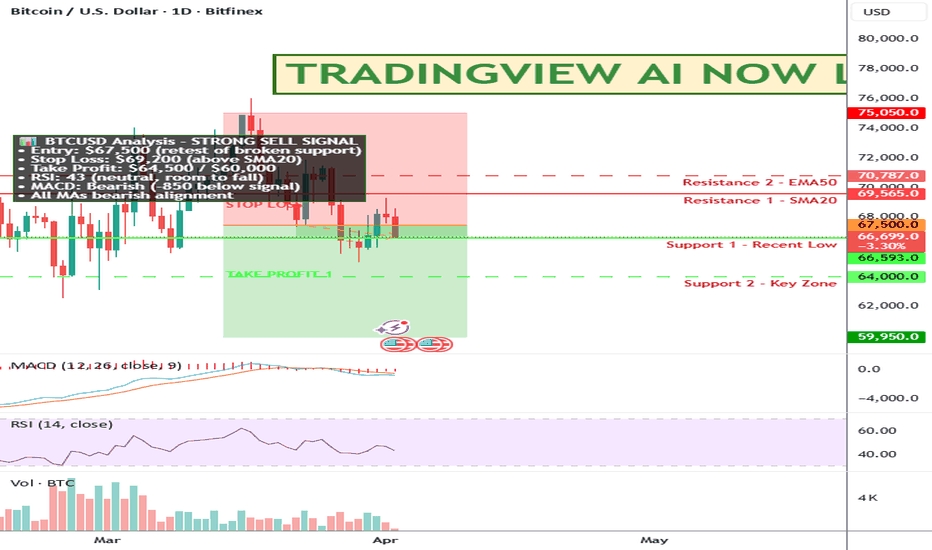

NOT TRADING ADVICE. ALWAYS DO YOUR OWN RESEARCH.
MY CUSTOM INDICATOR TO FIND TRAILING STOPS: SuperTrail.io
MY YOUTUBE CHANNEL WITH TRADINGVIEW TIPS: YouTube.com/@zAngus
MY CUSTOM INDICATOR TO FIND TRAILING STOPS: SuperTrail.io
MY YOUTUBE CHANNEL WITH TRADINGVIEW TIPS: YouTube.com/@zAngus
相关出版物
免责声明
这些信息和出版物并非旨在提供,也不构成TradingView提供或认可的任何形式的财务、投资、交易或其他类型的建议或推荐。请阅读使用条款了解更多信息。
NOT TRADING ADVICE. ALWAYS DO YOUR OWN RESEARCH.
MY CUSTOM INDICATOR TO FIND TRAILING STOPS: SuperTrail.io
MY YOUTUBE CHANNEL WITH TRADINGVIEW TIPS: YouTube.com/@zAngus
MY CUSTOM INDICATOR TO FIND TRAILING STOPS: SuperTrail.io
MY YOUTUBE CHANNEL WITH TRADINGVIEW TIPS: YouTube.com/@zAngus
相关出版物
免责声明
这些信息和出版物并非旨在提供,也不构成TradingView提供或认可的任何形式的财务、投资、交易或其他类型的建议或推荐。请阅读使用条款了解更多信息。