OPEN-SOURCE SCRIPT
Adaptive Fusion Indicator
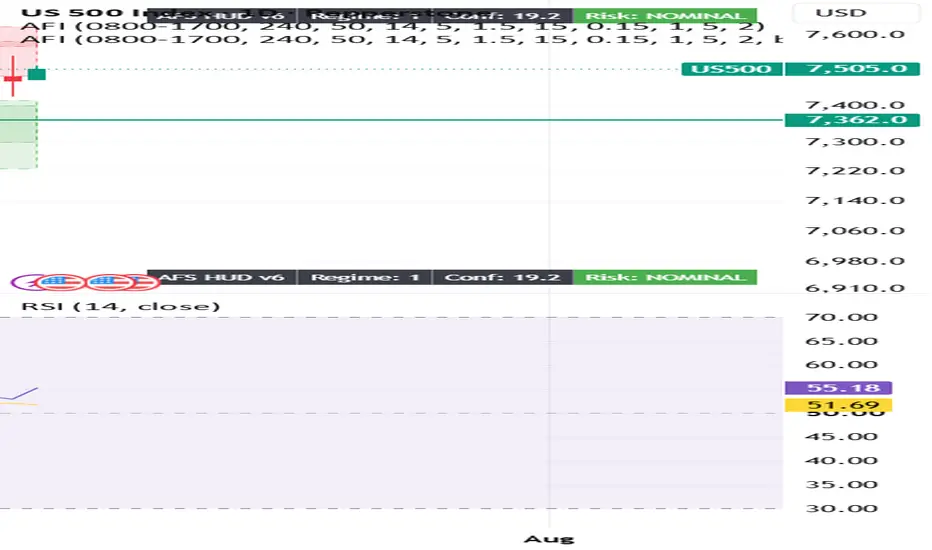
From your screenshot, you're in the wrong menu.
The Publish button you're clicking is TradingView's social publishing menu (Ideas, Videos, etc.), not the Pine Script publishing menu.
To publish your indicator, do this instead:
Open the Pine Editor at the bottom of TradingView.
Open your indicator script (the one named Wizinkle or your AFI script).
Make sure it's saved.
In the Pine Editor, click Publish Script (or click the ⋮ menu inside the Pine Editor and select Publish script).
The Publish button you're clicking is TradingView's social publishing menu (Ideas, Videos, etc.), not the Pine Script publishing menu.
To publish your indicator, do this instead:
Open the Pine Editor at the bottom of TradingView.
Open your indicator script (the one named Wizinkle or your AFI script).
Make sure it's saved.
In the Pine Editor, click Publish Script (or click the ⋮ menu inside the Pine Editor and select Publish script).
开源脚本
秉承TradingView的精神,该脚本的作者将其开源,以便交易者可以查看和验证其功能。向作者致敬!您可以免费使用该脚本,但请记住,重新发布代码须遵守我们的网站规则。

免责声明
这些信息和出版物并非旨在提供,也不构成TradingView提供或认可的任何形式的财务、投资、交易或其他类型的建议或推荐。请阅读使用条款了解更多信息。
开源脚本
秉承TradingView的精神,该脚本的作者将其开源,以便交易者可以查看和验证其功能。向作者致敬!您可以免费使用该脚本,但请记住,重新发布代码须遵守我们的网站规则。
免责声明
这些信息和出版物并非旨在提供,也不构成TradingView提供或认可的任何形式的财务、投资、交易或其他类型的建议或推荐。请阅读使用条款了解更多信息。