OPEN-SOURCE SCRIPT
Adaptive Fusion Indicator
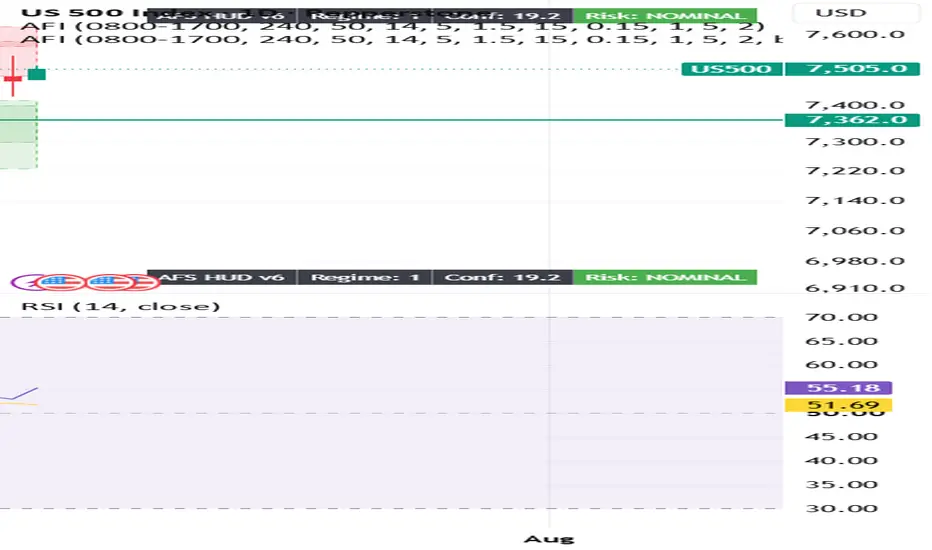
From your screenshot, you're in the wrong menu.
The Publish button you're clicking is TradingView's social publishing menu (Ideas, Videos, etc.), not the Pine Script publishing menu.
To publish your indicator, do this instead:
Open the Pine Editor at the bottom of TradingView.
Open your indicator script (the one named Wizinkle or your AFI script).
Make sure it's saved.
In the Pine Editor, click Publish Script (or click the ⋮ menu inside the Pine Editor and select Publish script).
The Publish button you're clicking is TradingView's social publishing menu (Ideas, Videos, etc.), not the Pine Script publishing menu.
To publish your indicator, do this instead:
Open the Pine Editor at the bottom of TradingView.
Open your indicator script (the one named Wizinkle or your AFI script).
Make sure it's saved.
In the Pine Editor, click Publish Script (or click the ⋮ menu inside the Pine Editor and select Publish script).
סקריפט קוד פתוח
ברוח האמיתית של TradingView, יוצר הסקריפט הזה הפך אותו לקוד פתוח, כך שסוחרים יוכלו לעיין בו ולאמת את פעולתו. כל הכבוד למחבר! אמנם ניתן להשתמש בו בחינם, אך זכור כי פרסום חוזר של הקוד כפוף ל־כללי הבית שלנו.

כתב ויתור
המידע והפרסומים אינם מיועדים להיות, ואינם מהווים, ייעוץ או המלצה פיננסית, השקעתית, מסחרית או מכל סוג אחר המסופקת או מאושרת על ידי TradingView. קרא עוד ב־תנאי השימוש.
סקריפט קוד פתוח
ברוח האמיתית של TradingView, יוצר הסקריפט הזה הפך אותו לקוד פתוח, כך שסוחרים יוכלו לעיין בו ולאמת את פעולתו. כל הכבוד למחבר! אמנם ניתן להשתמש בו בחינם, אך זכור כי פרסום חוזר של הקוד כפוף ל־כללי הבית שלנו.
כתב ויתור
המידע והפרסומים אינם מיועדים להיות, ואינם מהווים, ייעוץ או המלצה פיננסית, השקעתית, מסחרית או מכל סוג אחר המסופקת או מאושרת על ידי TradingView. קרא עוד ב־תנאי השימוש.