Gann Box NavigatorGann Box Navigator
OVERVIEW
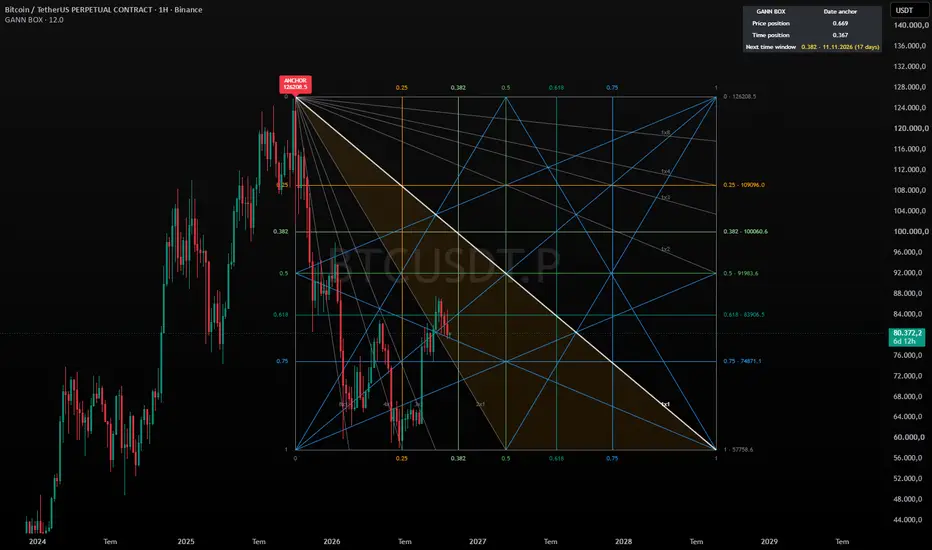
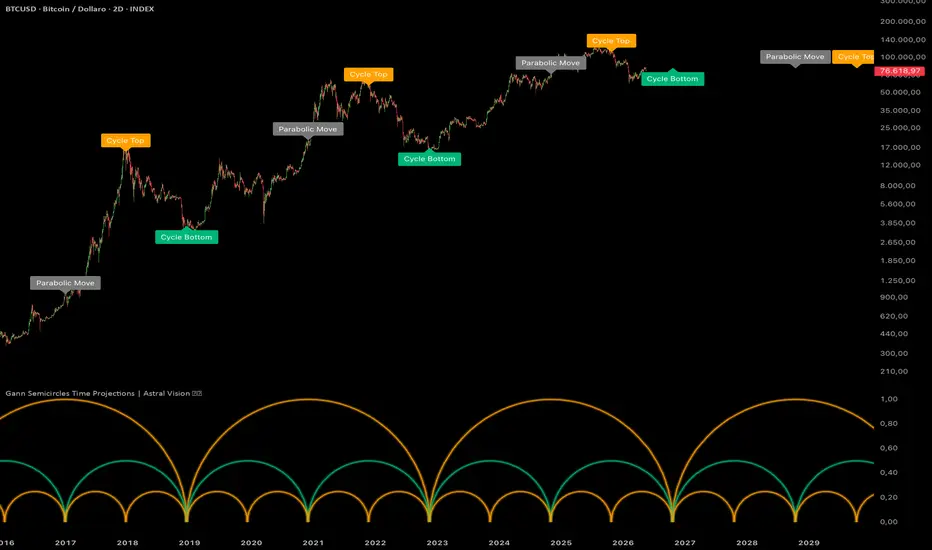
Gann Box Navigator draws a Gann Box between the swing points you choose and keeps it on the chart across symbol and timeframe changes. The box shows price levels, time levels and Gann angles, so you can see where price and time meet.
HOW TO USE
1. Add the indicator. You will be asked to click two points. In the default Single Date mode, Point 1 is the anchor candle (for example a major top); Point 2 is only used by the Two Points and Manual Box modes.
2. The anchor
Indicator