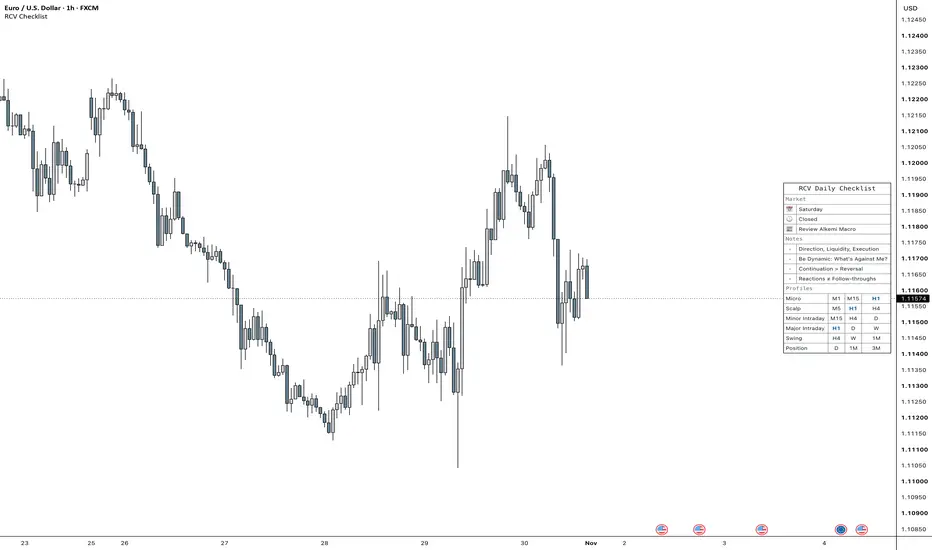
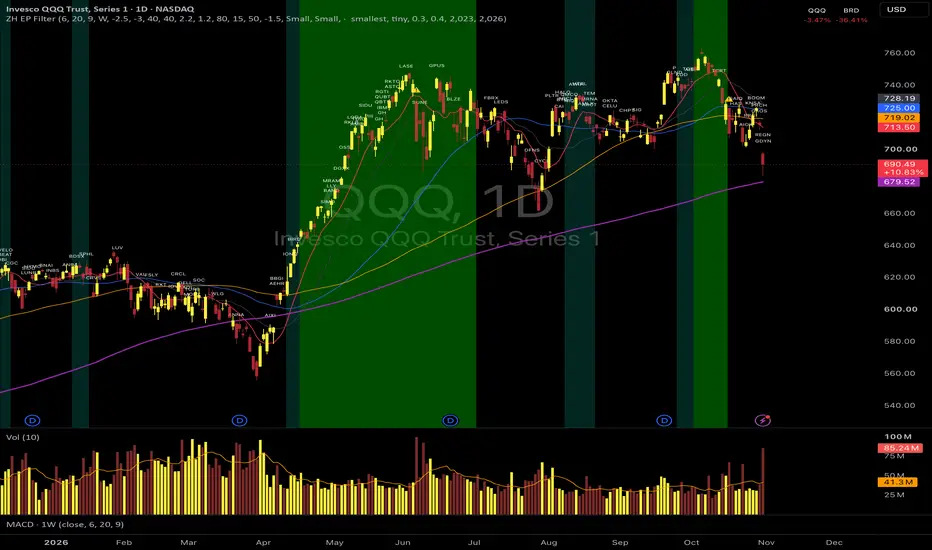
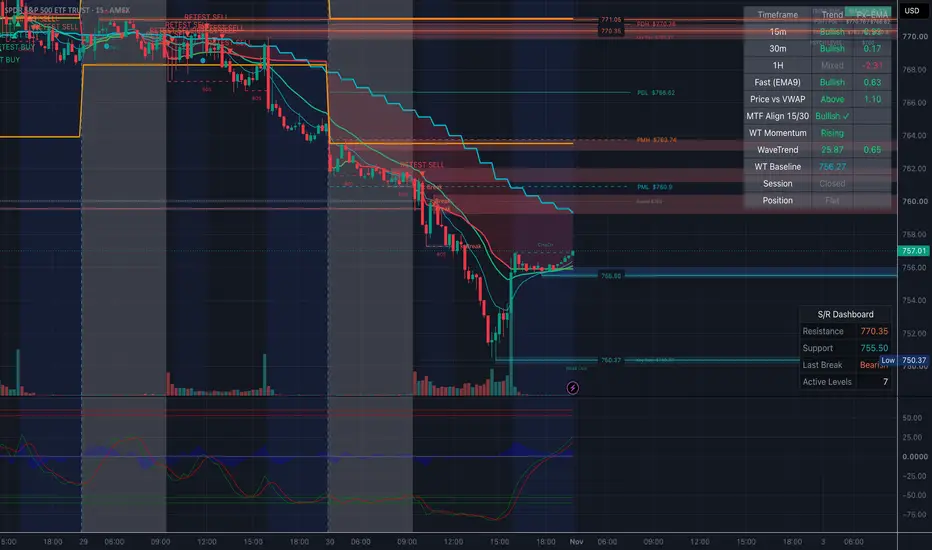
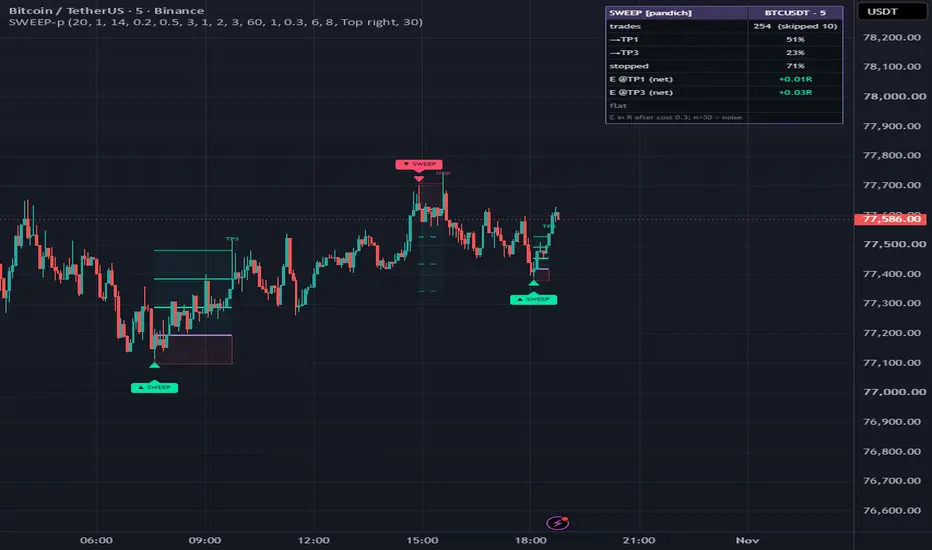
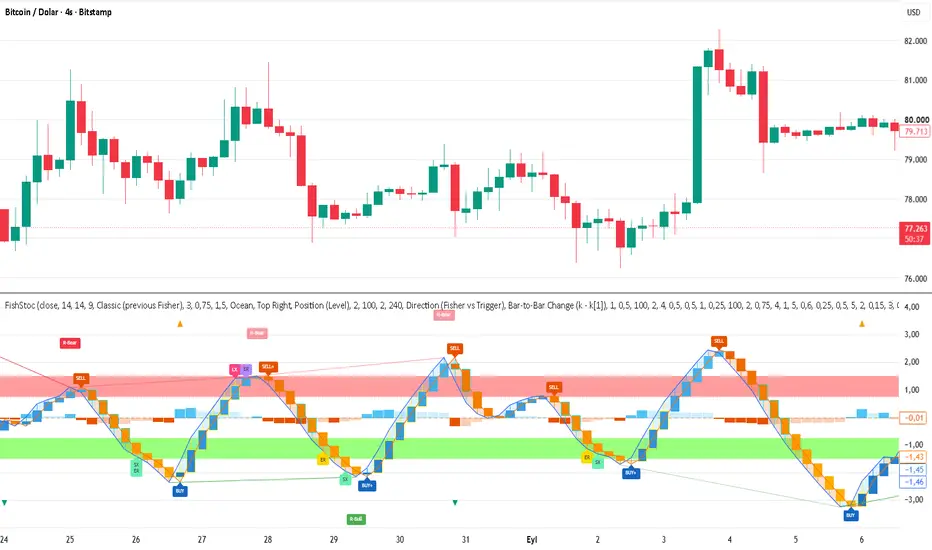
RCV Daily Checklist & Trader ProfilesRCV Daily Checklist puts a short pre-trade routine and the six RCV trader profiles in one panel. There is nothing to tick. It is a reminder you read before you take a trade.
How to use
1. Add it to the chart. The panel sits at Middle Right by default.
2. Write your own rules under Settings > Checklist > Notes, one per line, up to 10.
3. Pick your profile under Trader Profiles to shade it, or to show only yours.
What the panel shows
- Market: today's day and the trading session open now, in New
Indicatore