OPEN-SOURCE SCRIPT
Adaptive Fusion Indicator
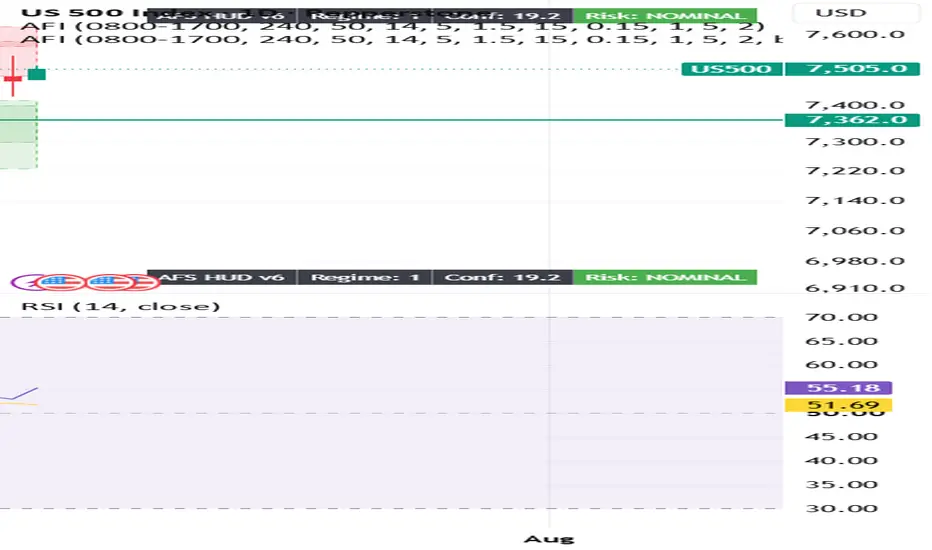
From your screenshot, you're in the wrong menu.
The Publish button you're clicking is TradingView's social publishing menu (Ideas, Videos, etc.), not the Pine Script publishing menu.
To publish your indicator, do this instead:
Open the Pine Editor at the bottom of TradingView.
Open your indicator script (the one named Wizinkle or your AFI script).
Make sure it's saved.
In the Pine Editor, click Publish Script (or click the ⋮ menu inside the Pine Editor and select Publish script).
The Publish button you're clicking is TradingView's social publishing menu (Ideas, Videos, etc.), not the Pine Script publishing menu.
To publish your indicator, do this instead:
Open the Pine Editor at the bottom of TradingView.
Open your indicator script (the one named Wizinkle or your AFI script).
Make sure it's saved.
In the Pine Editor, click Publish Script (or click the ⋮ menu inside the Pine Editor and select Publish script).
オープンソーススクリプト
TradingViewの精神に則り、このスクリプトの作者はコードをオープンソースとして公開してくれました。トレーダーが内容を確認・検証できるようにという配慮です。作者に拍手を送りましょう!無料で利用できますが、コードの再公開はハウスルールに従う必要があります。

免責事項
これらの情報および投稿は、TradingViewが提供または承認する金融、投資、取引、またはその他の種類の助言もしくは推奨であることを意図したものではなく、またこれらに該当するものでもありません。詳細は利用規約をご覧ください。
オープンソーススクリプト
TradingViewの精神に則り、このスクリプトの作者はコードをオープンソースとして公開してくれました。トレーダーが内容を確認・検証できるようにという配慮です。作者に拍手を送りましょう!無料で利用できますが、コードの再公開はハウスルールに従う必要があります。
免責事項
これらの情報および投稿は、TradingViewが提供または承認する金融、投資、取引、またはその他の種類の助言もしくは推奨であることを意図したものではなく、またこれらに該当するものでもありません。詳細は利用規約をご覧ください。