GreenStar ATR & Trend Strength ScreenerGreenStar ATR & Trend Strength Screener
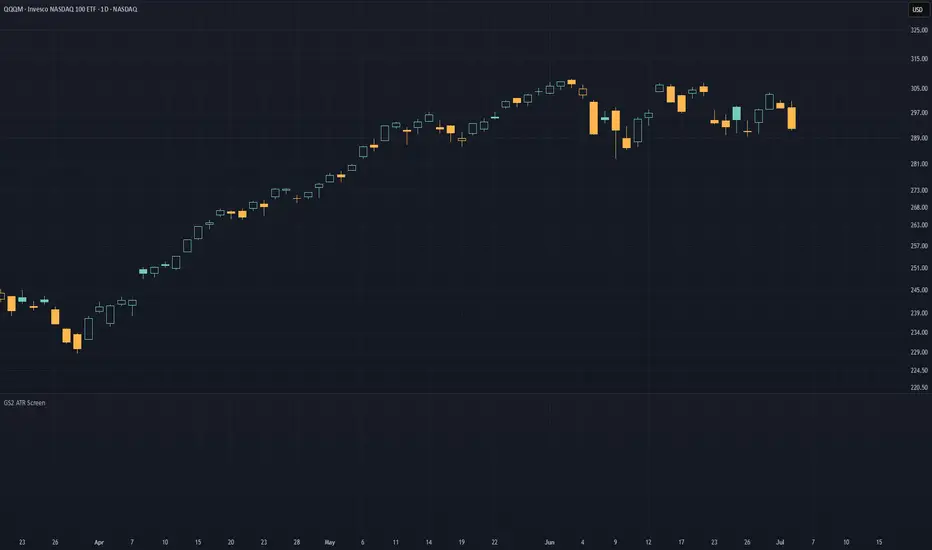
Pine Screener filter script. No chart plots.
Sorting a watchlist often mixes three different checks:
1) Daily trend structure (Minervini-style template rules)
2) ATR-normalized stretch from the 50-day MA
3) Session pace and distance from the low
This script puts those in one scan. MM and xFrom50 come from a single daily data pull per symbol. RVAT and %from LoD run on the screener chart interval. Chg % and Chg Open % round out the daily bar.
Why one script
These seven columns are the ones I check every day before touching a name.
One script puts all seven on the same row. Daily columns share one request.security call to stay inside Pine Screener's five-call limit.
Columns
MM (0 to 8)
Minervini trend template score. One point per rule when true:
1) Close above 150 SMA and 200 SMA
2) 150 SMA above 200 SMA
3) 200 SMA rising vs 22 bars ago
4) 50 SMA above 150 and 200
5) Close above 50 SMA
6) At least 25% above 260-bar low
7) Within 25% of 260-bar high
8) Weighted price momentum composite above 70
Rule 8 uses a price-momentum composite, not an IBD RS rating.
xFrom50 (signed decimal)
Extension from the 50-day SMA in ATR multiples:
% gain from 50 SMA = (close - 50 SMA) / 50 SMA x 100
ATR % = 14-day ATR / close x 100
xFrom50 = % gain / ATR %
Positive = above the MA. Negative = below.
ATR %
14-day ATR as percent of price. Denominator for xFrom50; also useful on its own for quiet vs volatile names.
RVAT
Relative Volume at Time (10 sessions, daily anchor). 1.0 = average pace for this clock time. Needs a 5-minute screener interval for intraday session math.
%from LoD (integer)
(close - session low) / 14-day ATR x 100
0.6 ATR above the low prints as 60. Filter less than 60 to stay near the low.
Chg % : change vs prior daily close (forming bar on intraday runs).
Chg Open % : change from today's open to current price.
Pine Screener setup
1. Favorite the script in Indicators (required for the screener picker).
2. Open Pine Screener, pick a watchlist.
3. Add this script as a filter source.
4. Set interval to 5 minutes for RVAT and %from LoD.
5. Enable columns in the column picker, then sort or filter.
Only columns from added filter scripts appear. Built-in screener filters cannot run in the same pass.
When publishing, use a clean chart with no other scripts on it. This script will not show plots on the chart.
Limitations
No visible plots on a normal chart. RVAT and %from LoD need a 5-minute screener interval and an active session. Built-in screener filters cannot run in the same pass. Daily columns follow the forming daily bar on intraday runs.
Filter examples
MM ≥ 6
xFrom50 between 2 and 6
ATR % between 4 and 10
RVAT > 1.2
%from LoD < 60
Daily columns use the forming daily bar on intraday runs (lookahead_off, no repainting). If a column is missing, check the column picker first.
Credits
MM column: eight trend-template criteria adapted from Minervini Trend Template by yogy.frestarahmawan (Mozilla Public License 2.0).
RVAT: TradingView ta.relativeVolume built-in library.
Disclaimer
Screening tool only. Not a signal, not financial advice. No entry or exit triggers. Past scan results do not predict future price action.
Chỉ báo