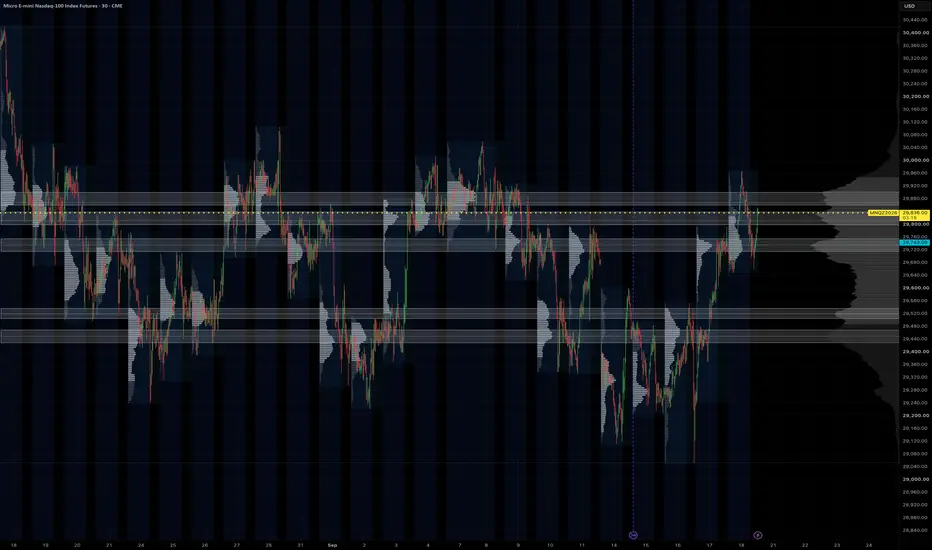
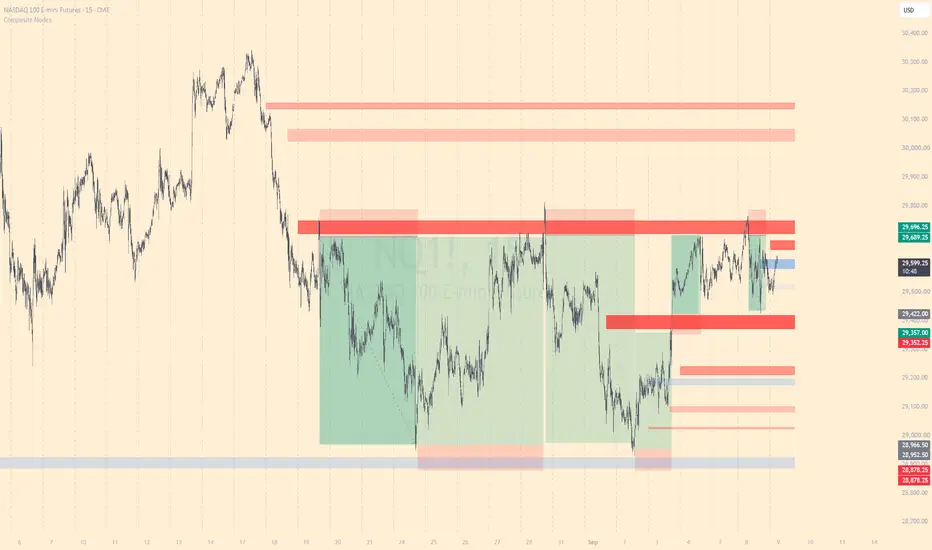
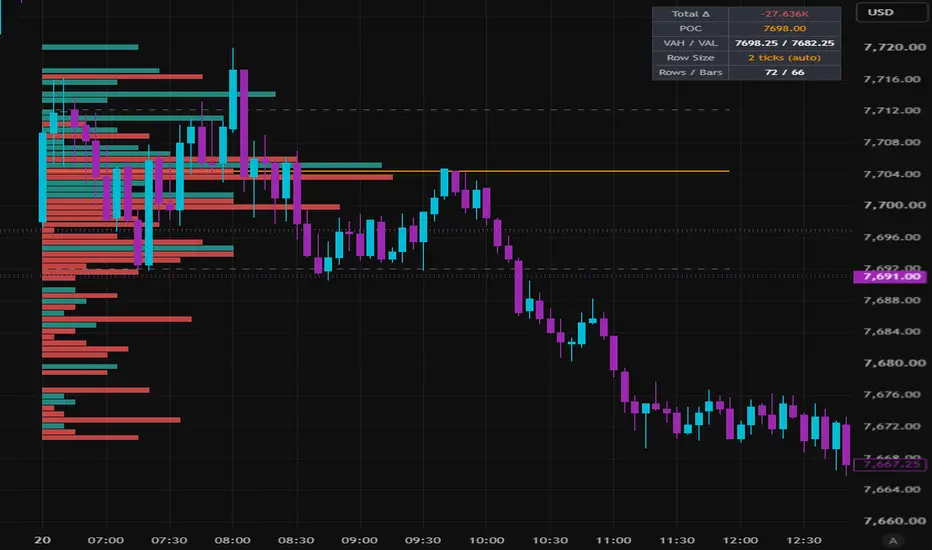
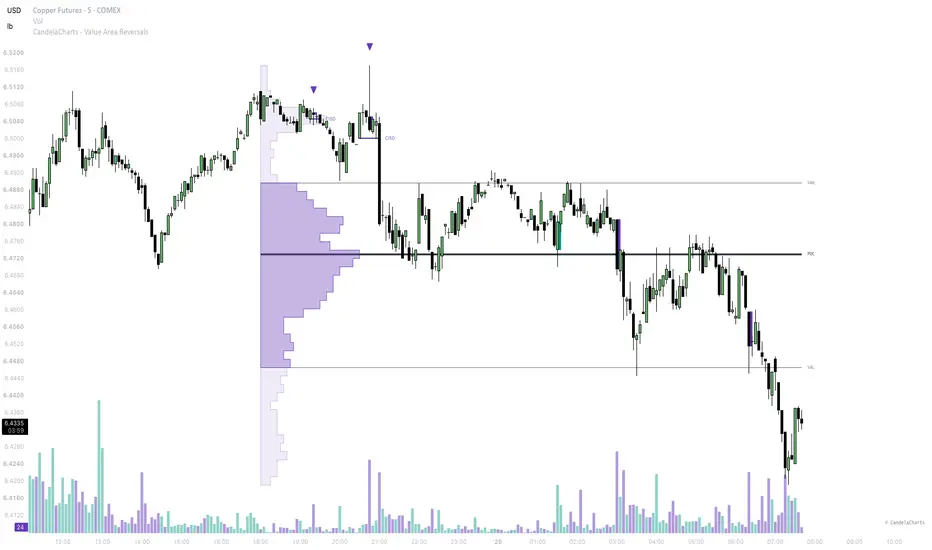
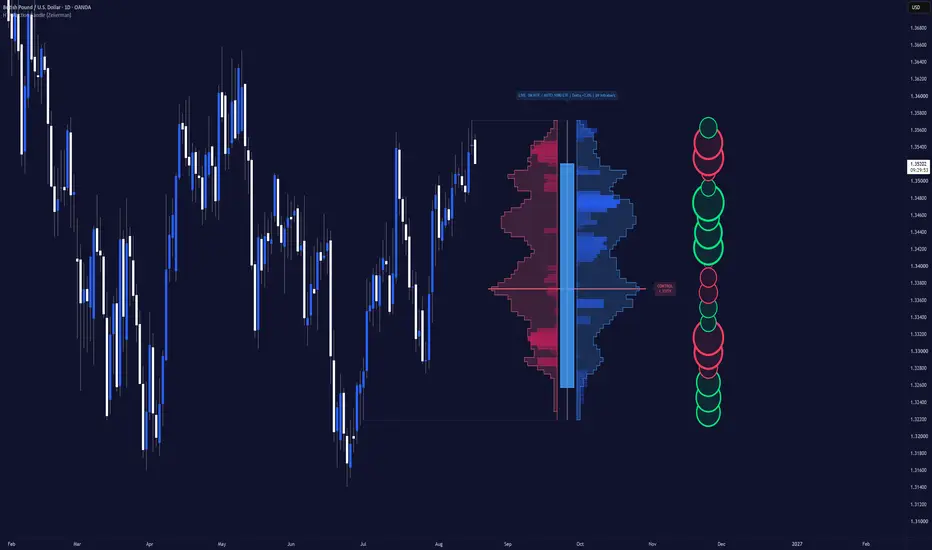
HVN ZonesHVN Zones boxes the high-volume nodes of a multi-session volume profile, the way many traders do by hand from a zoomed-out chart with a fine visible-range profile: each prominent node above and below price becomes a zone you can trade against. It draws the zones, a dotted line at each node's point of control, and a small label.
HOW IT WORKS
1. A volume profile is built over the last N Globex sessions (default 63, about three months) or over the visible range, from 1-minute intrabars where your plan allows it, otherwise from chart bars. Row size is fixed in points or automatic (range divided by 1000).
2. The histogram is smoothed with a short centred moving average.
3. A node is a row that is the tallest within a window of rows on either side and at least a set share of the tallest row in the profile.
4. Each node's zone is grown from the peak while volume stays above a floor. The default floor is prominence-based: prominence is the peak minus the higher of the troughs on either side, and the zone ends where volume has fallen 60% of the way from the peak toward that trough. This keeps a node on top of a broad dome local instead of turning the whole value area into one zone. Nodes with little prominence are dropped and zones are capped in height. The older "% of peak" rule is still available as an option.
5. Overlapping or near zones merge, a price band keeps only nodes within 2 x daily ATR(14) of the current price (or a fixed number of points, or off), and the strongest N zones by peak volume are drawn.
SETTINGS THAT MATTER
Window > Sessions: how far back the profile looks. 63 matches a three-month composite; 20 gives a tighter, more recent read.
Node detection > Zone width (%), Min prominence, Max zone height: how tall a zone gets and which nodes qualify. Lower the width for thinner boxes.
Price band: widen or narrow the multiplier to show more or fewer zones.
Node detection > Recompute every (minutes): the profile changes little intra-day, so the default is hourly. Bar Replay recomputes on every step.
Drawing > Label indent: a fixed pixel push to the right so labels sit in the chart margin at any zoom.
LIMITS
1-minute intrabars need a plan with intrabar access, and TradingView serves at most 100k of them per request, which is about 60 sessions. Longer lookbacks use chart bars for the older part. Switch "Profile source" to Chart bars on any plan.
Volume is spread evenly across the rows each bar overlaps, the same approximation TradingView's own visible-range profile makes at the bar level. It is not a tick profile.
Zones are rebuilt on each recompute from the current window, so they show the current profile, not a history of past zones.
The profile method follows the open-source volume-profile family by PtGambler (MPL-2.0). This script is an original implementation.
Chỉ báo