Why is my Screener empty? Why are there no matches in the Screener?
If your Screener table is absolutely empty or the screener results lack a symbol, there may be several reasons for this:
1. Watchlist filtering
Check your Watchlist filter. Some symbols in your list may not be available in this specific type of Screener, or they might not currently meet the criteria of your applied filters. Try disabling the filter or switching to a different watchlist.
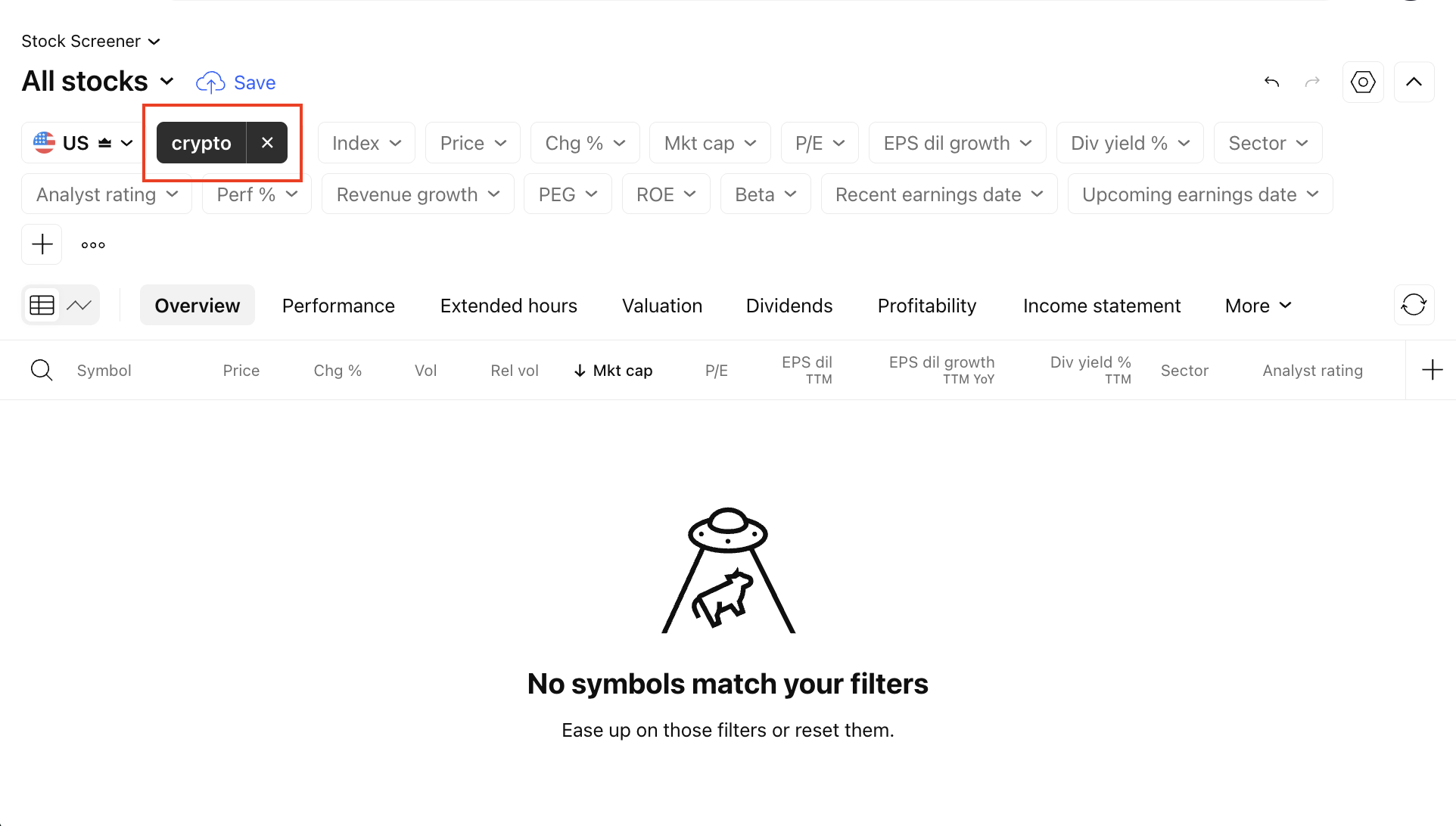
2. Conflicting filters
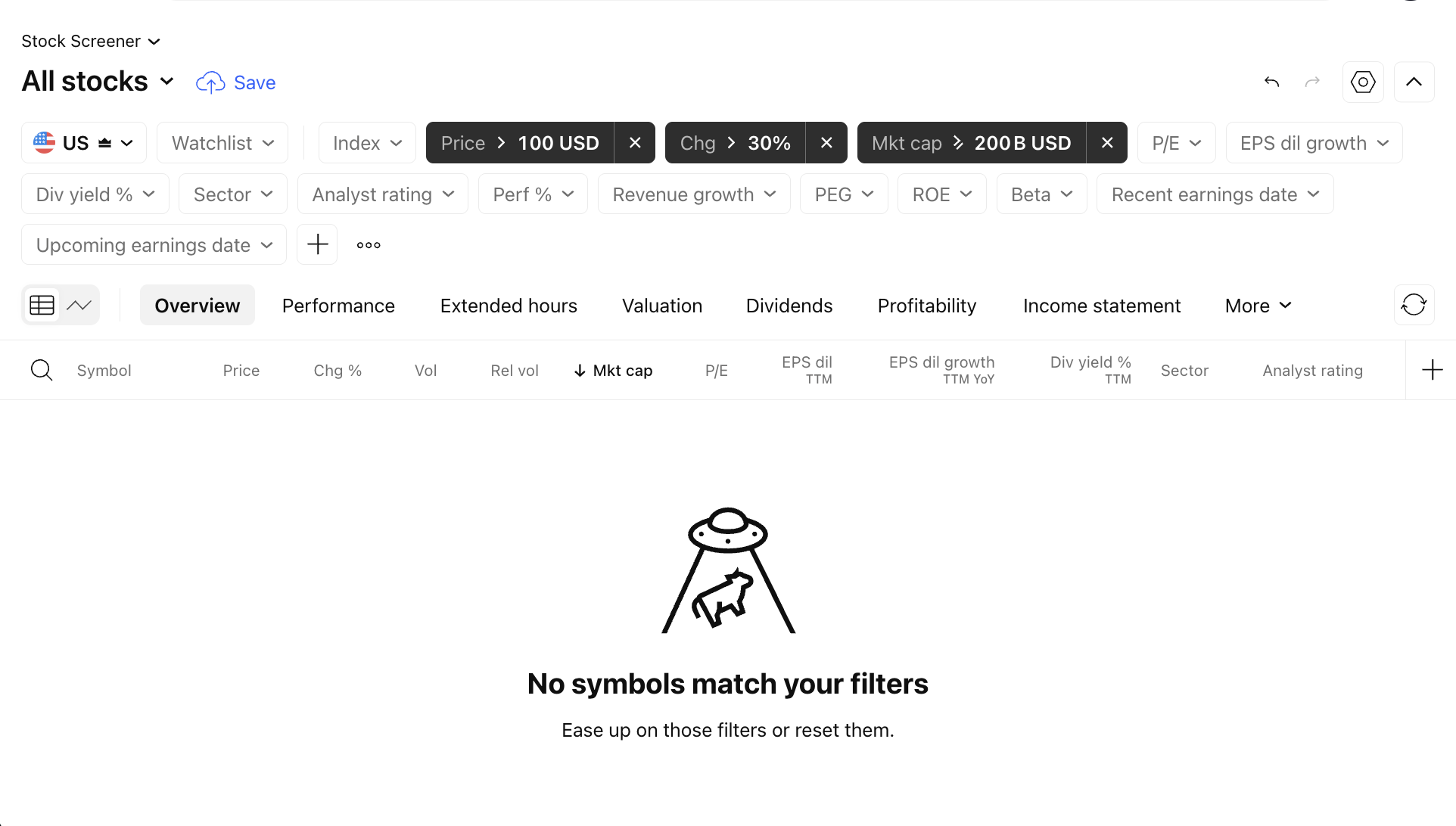
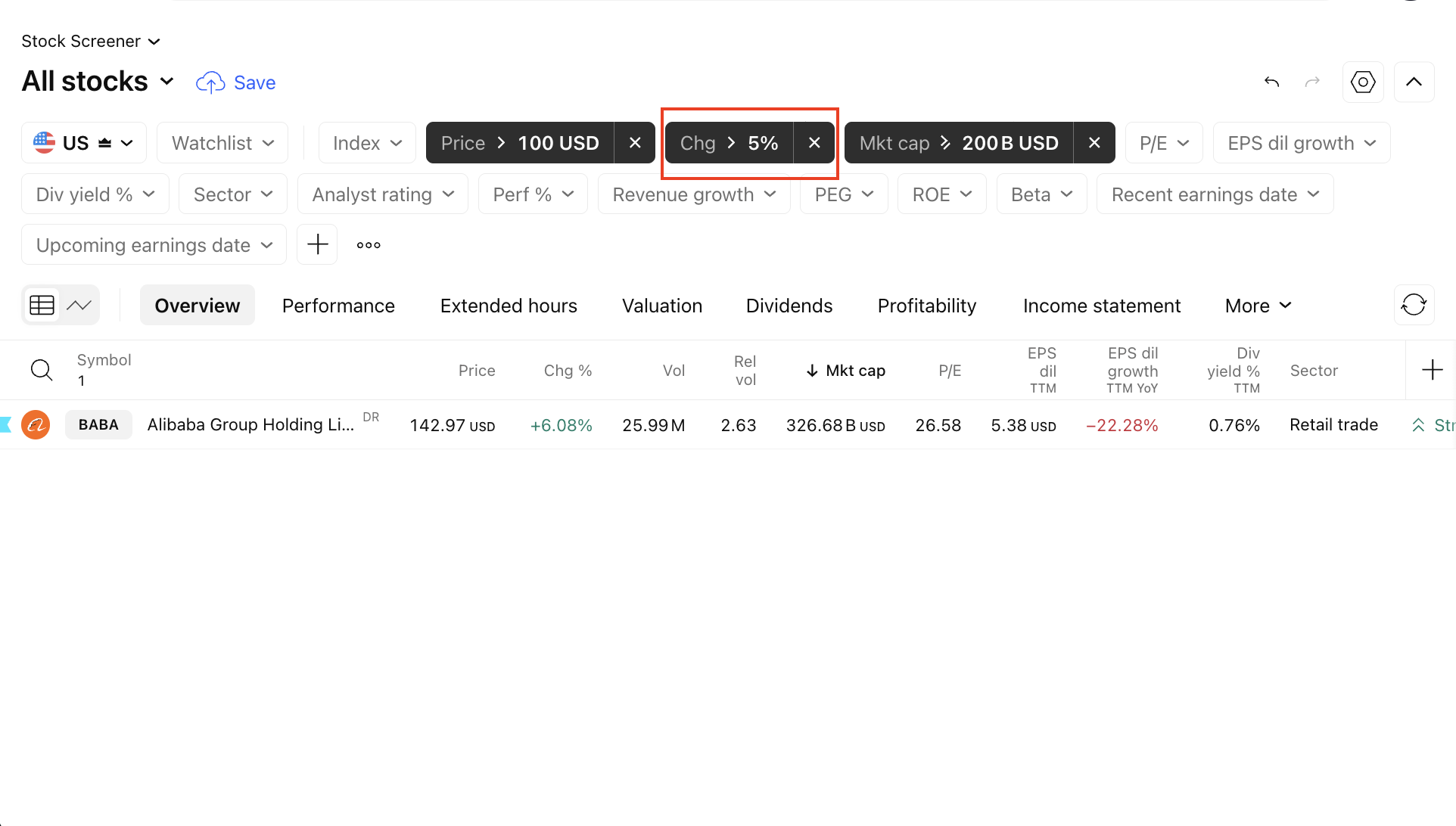
If you are using a custom set of filters, your criteria might be too restrictive, meaning no symbols currently satisfy every single condition. Try loosening or removing some filters, or switch to a default preset to see if symbols appear.
3. "Last trade time" filter
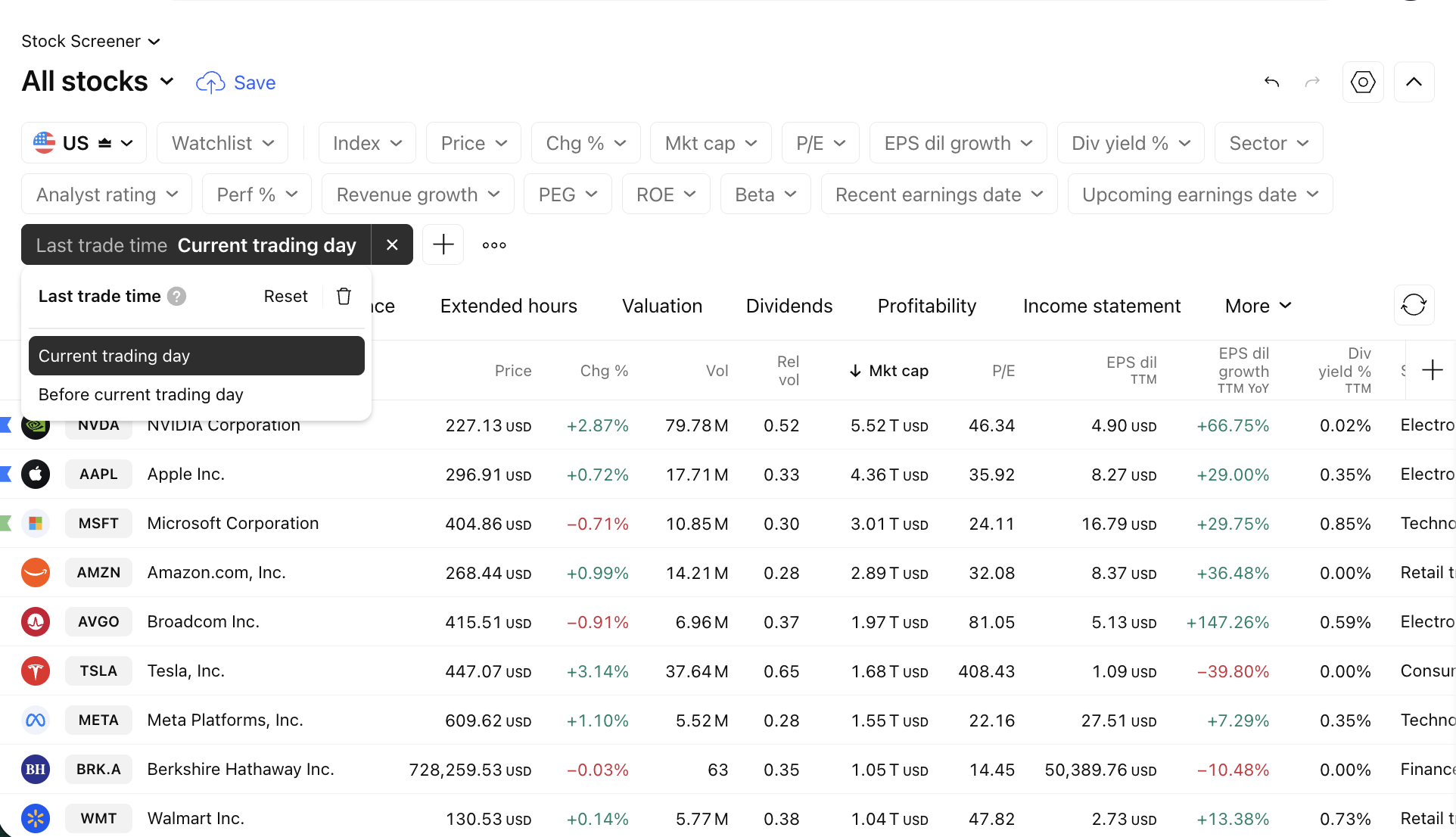
An empty output may be caused by the "Last trade time" filter. This excludes any symbols that have not been traded during the current session of the selected market.
4. Stock/ETF screener specifics
Market-related filters: Ensure that your Exchange, Index, or other filters match the market you are analyzing.
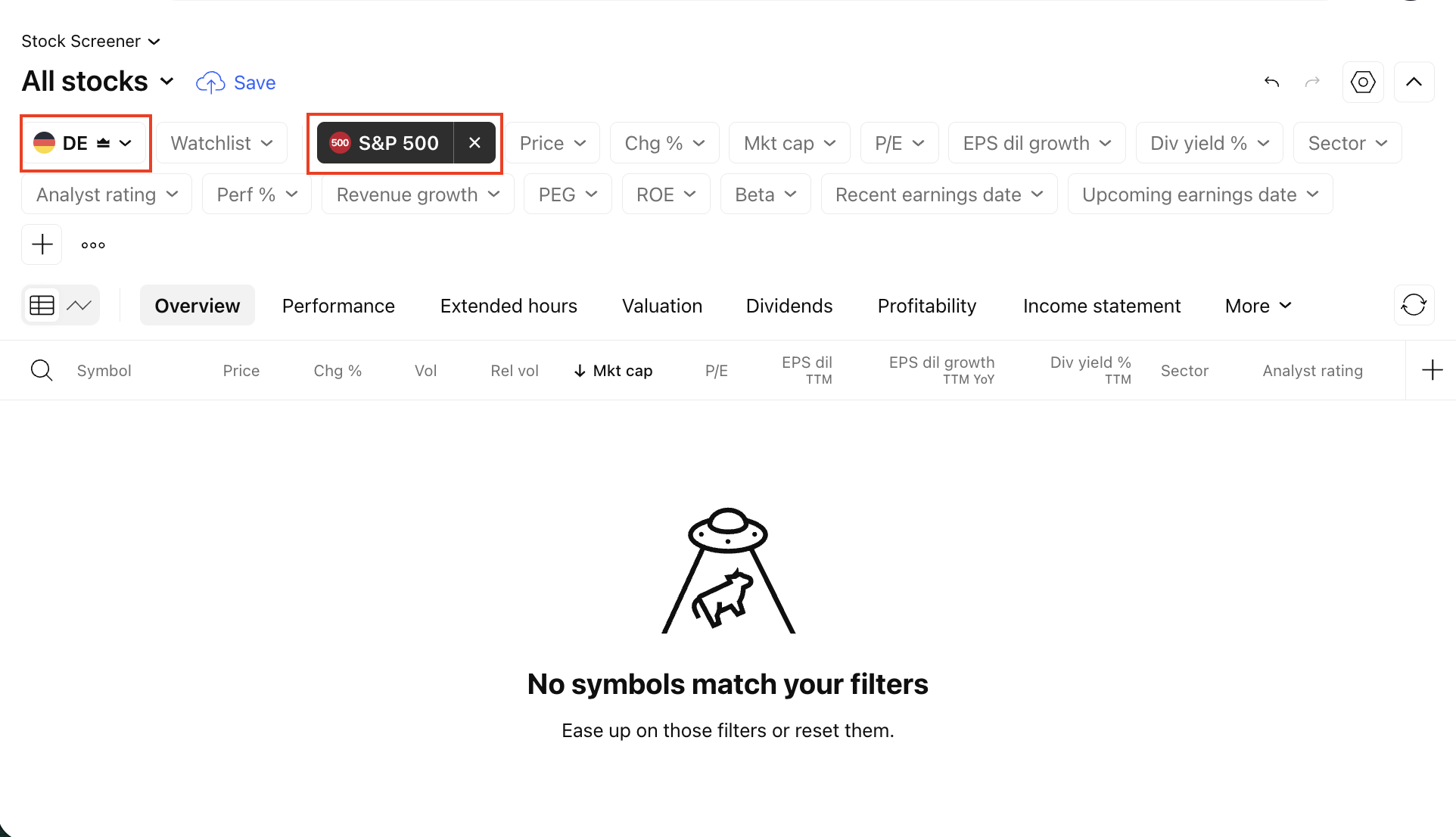
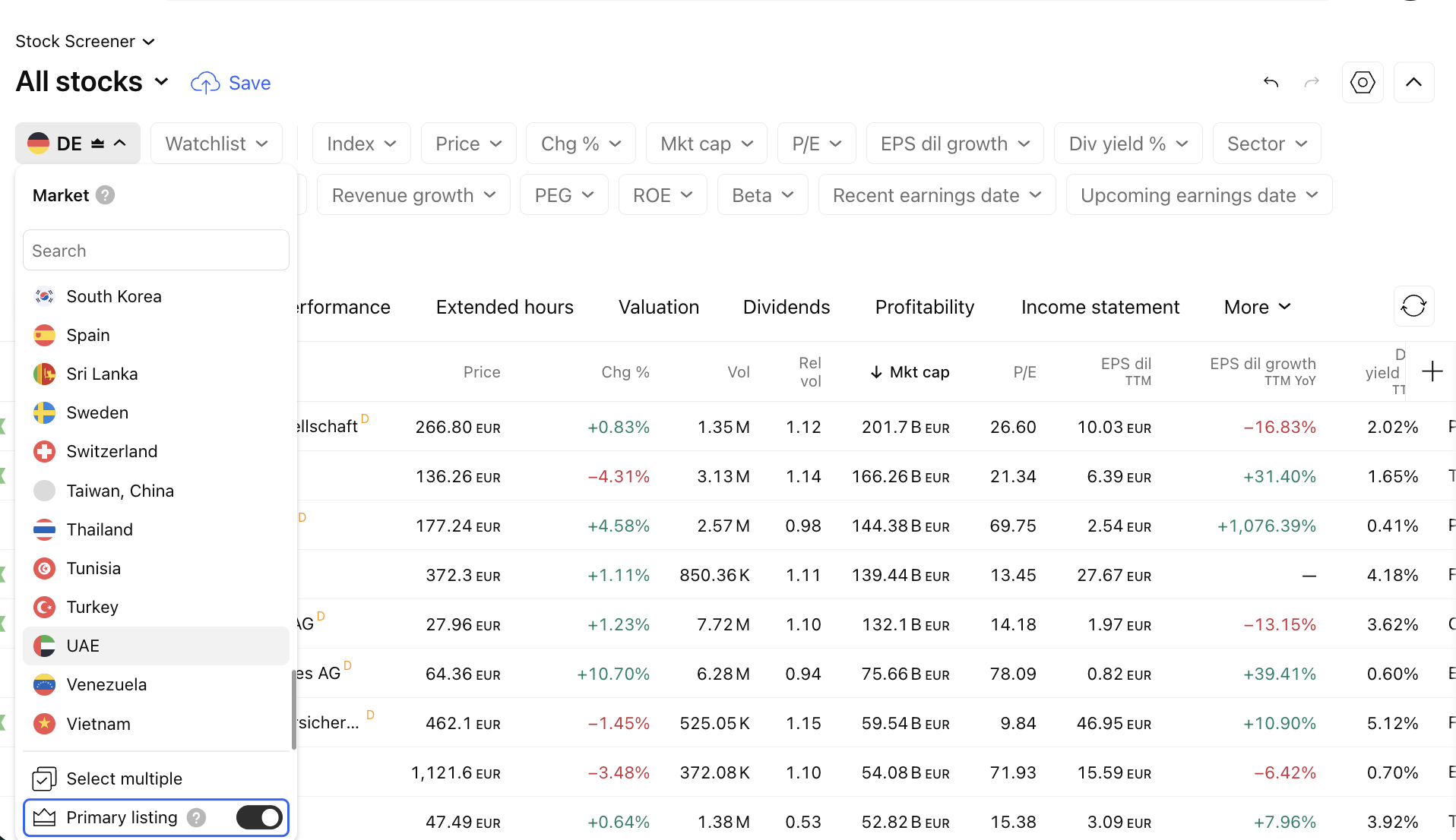
Primary Listing: In the market menu, there is an additional "Primary listing" setting. If enabled, all secondary listings on the selected market will be excluded from the results.
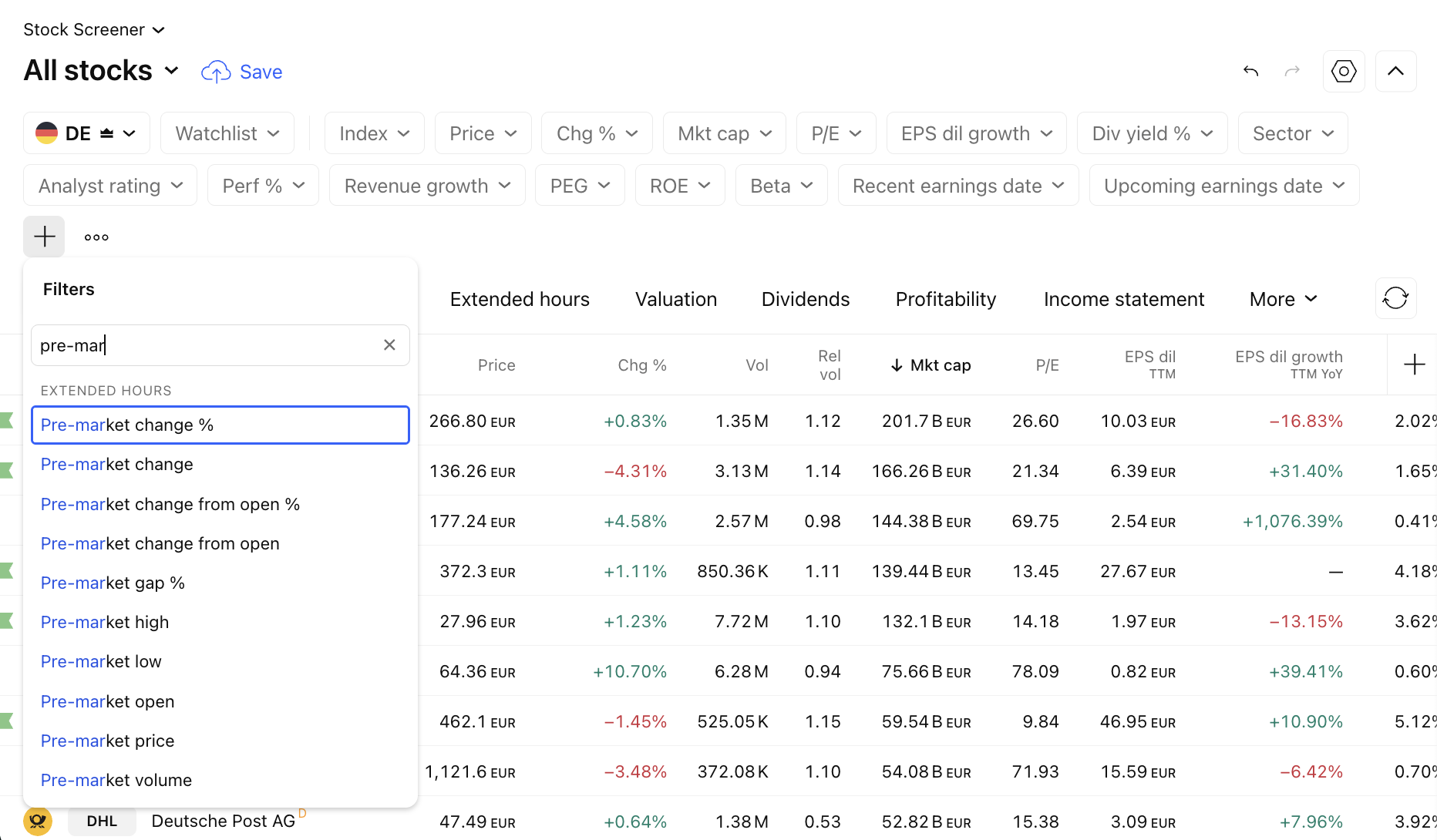
5. Pre/post-market values
For extended trading sessions, the Screener provides dedicated filters and columns to track trading dynamics outside of regular hours.
Contacting support
If you are sure that a specific symbol should have been included in the selection, but was not, please open a support ticket from the chart page, where:
- This symbol is open on the chart,
- The Screener is open below your chart,
- The screen is set to the Screener in which you were waiting for the symbol.
Specify the most accurate time when, in your opinion, the symbol should have appeared in the Screener results.