How to scan global stocks
With the Entire world screener feature, you can access the global stock view mode, where you can scan 70+ markets across 50+ countries.
This feature helps you:
- Scan the entire world at once
- Scan specific markets
- Scan a single market
To begin, locate and select the globe or flag icon within the Stock Screener.

You can select individual markets one at a time to refresh your view immediately.
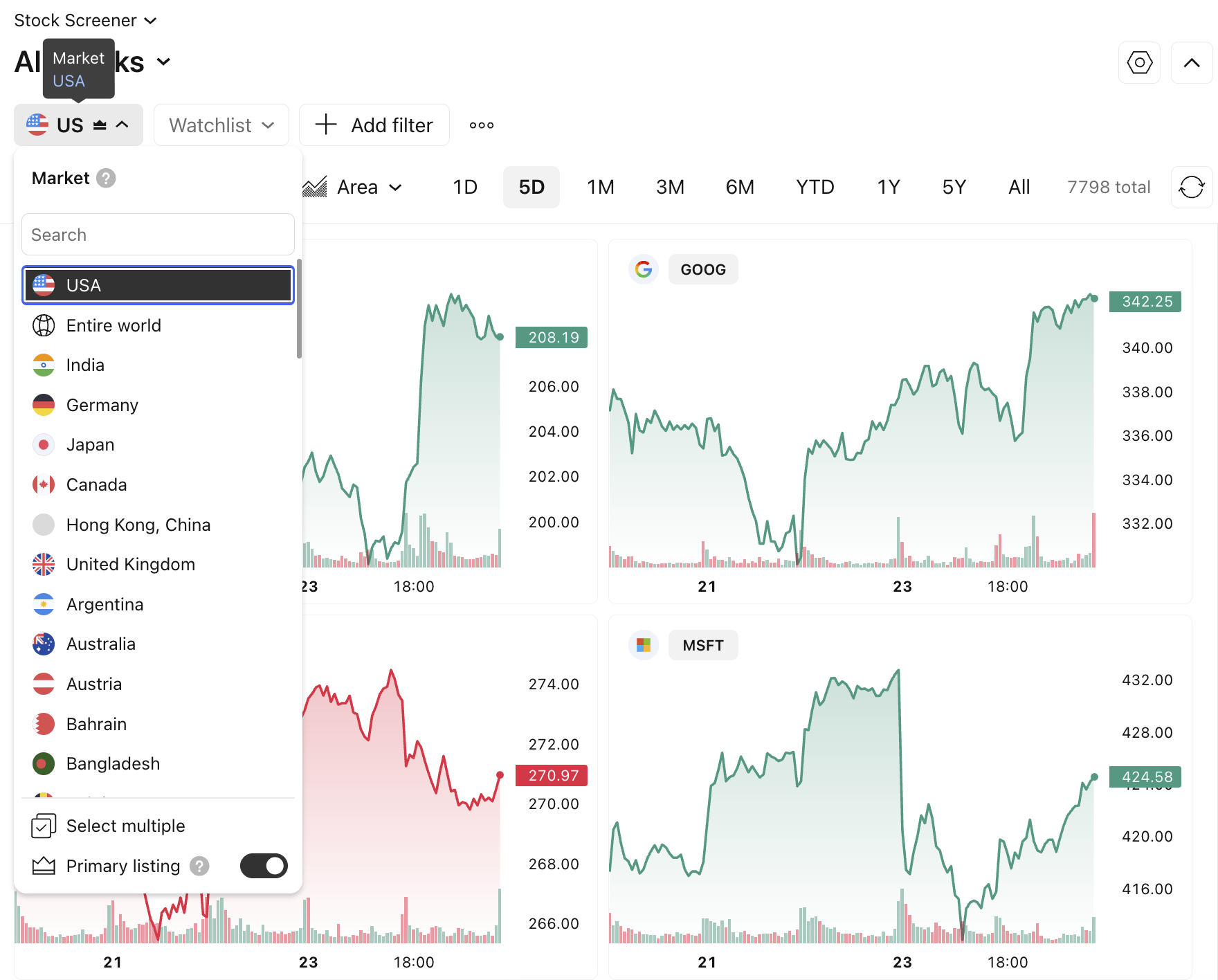
Enable “Primary listing” to display only the stocks for which your selected markets serve as the main exchange.
Alternatively, navigate to the “Select multiple” sub-menu in case you need data from multiple markets simultaneously.
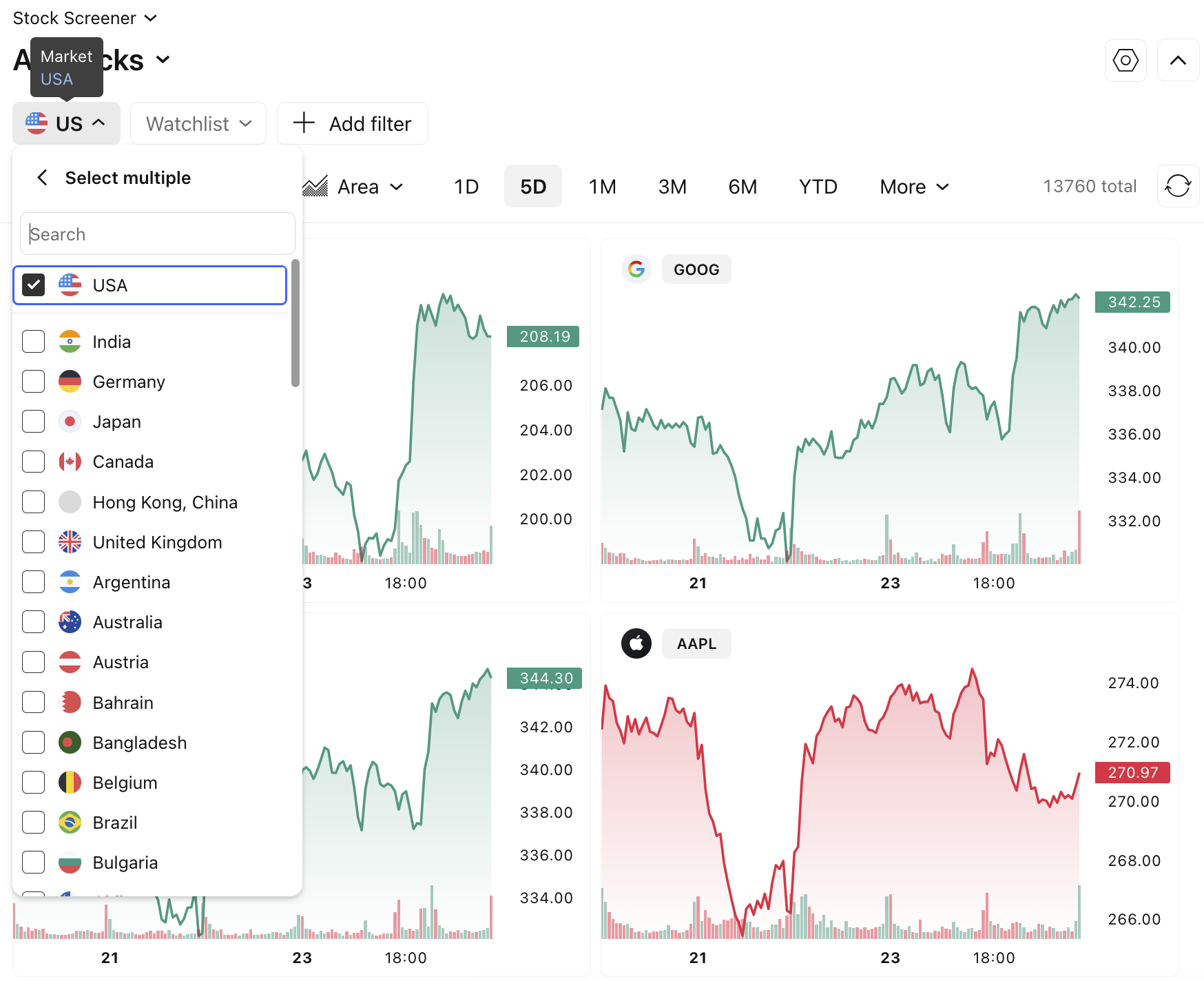
Note: When switching markets, make sure to review the currency conversion principles.