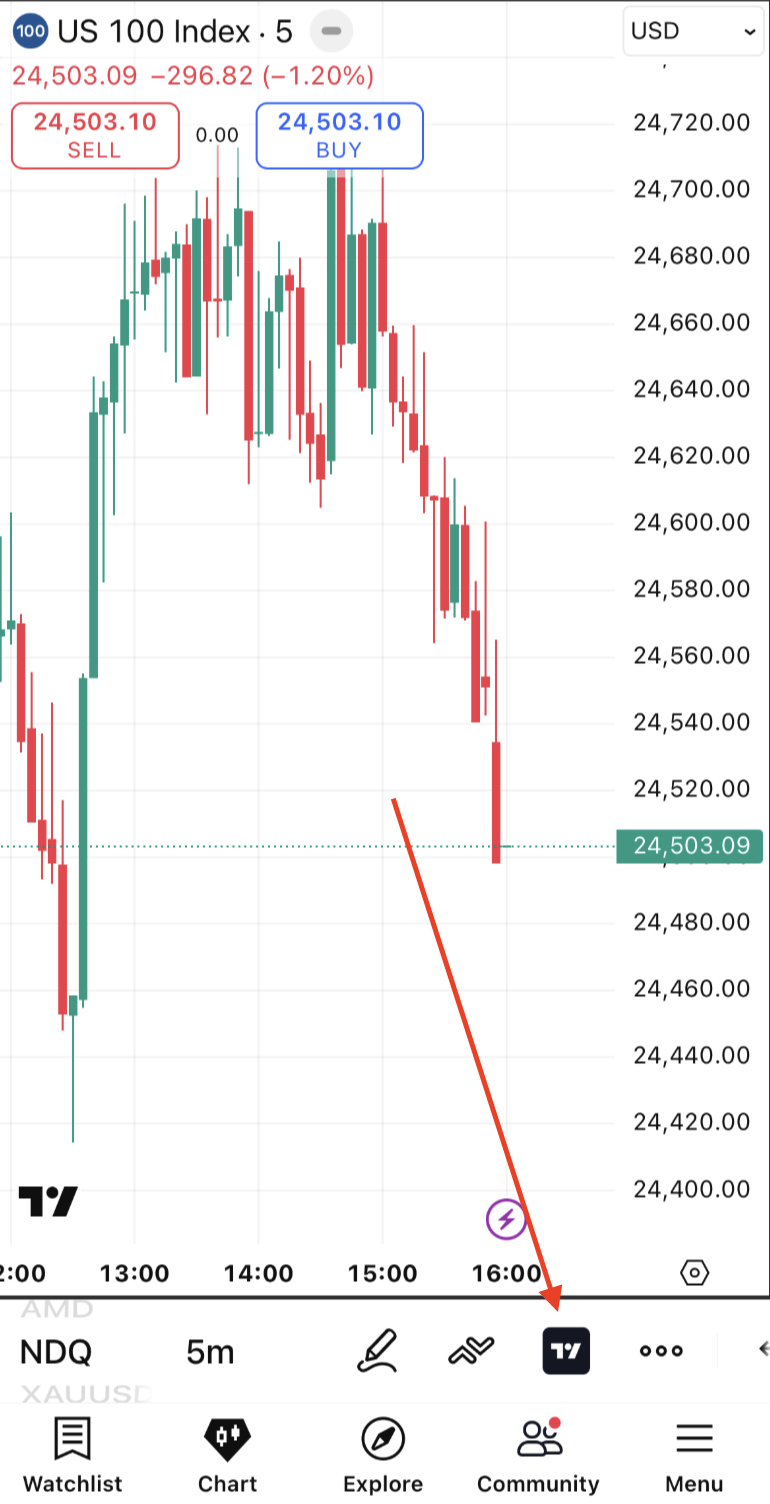
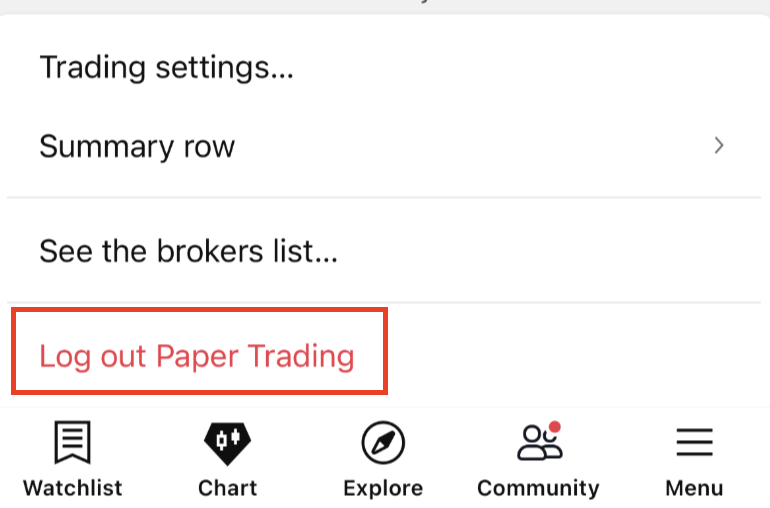
How do I connect or log out of my broker account in the mobile app?
To connect your broker in the mobile app:
- open the chart tab;
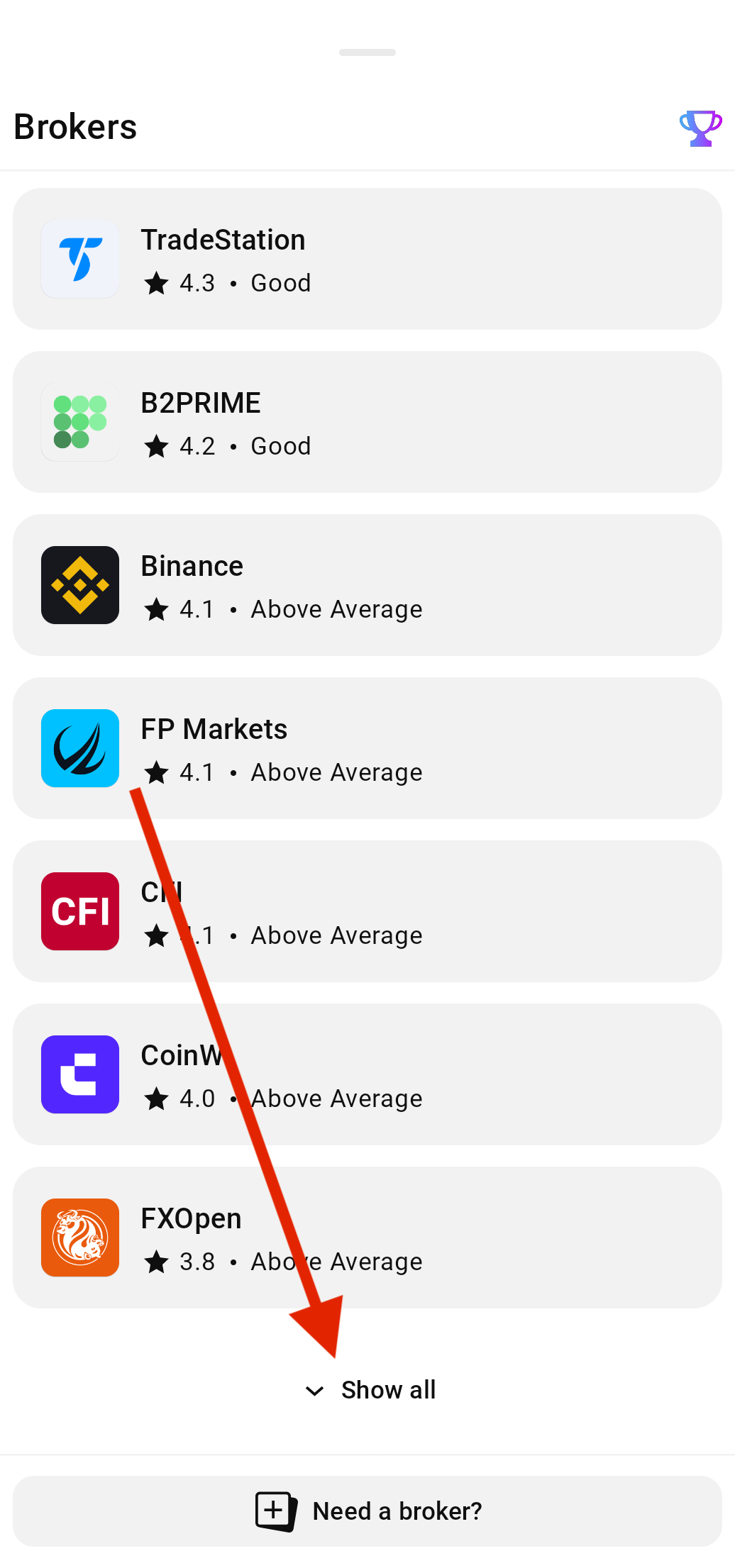
- tap the trade button in the toolbar to open the brokers list.
- tap the broker card to connect. If you don’t see your broker, tap Show All to reveal the full list or use the search bar at the top to locate it.
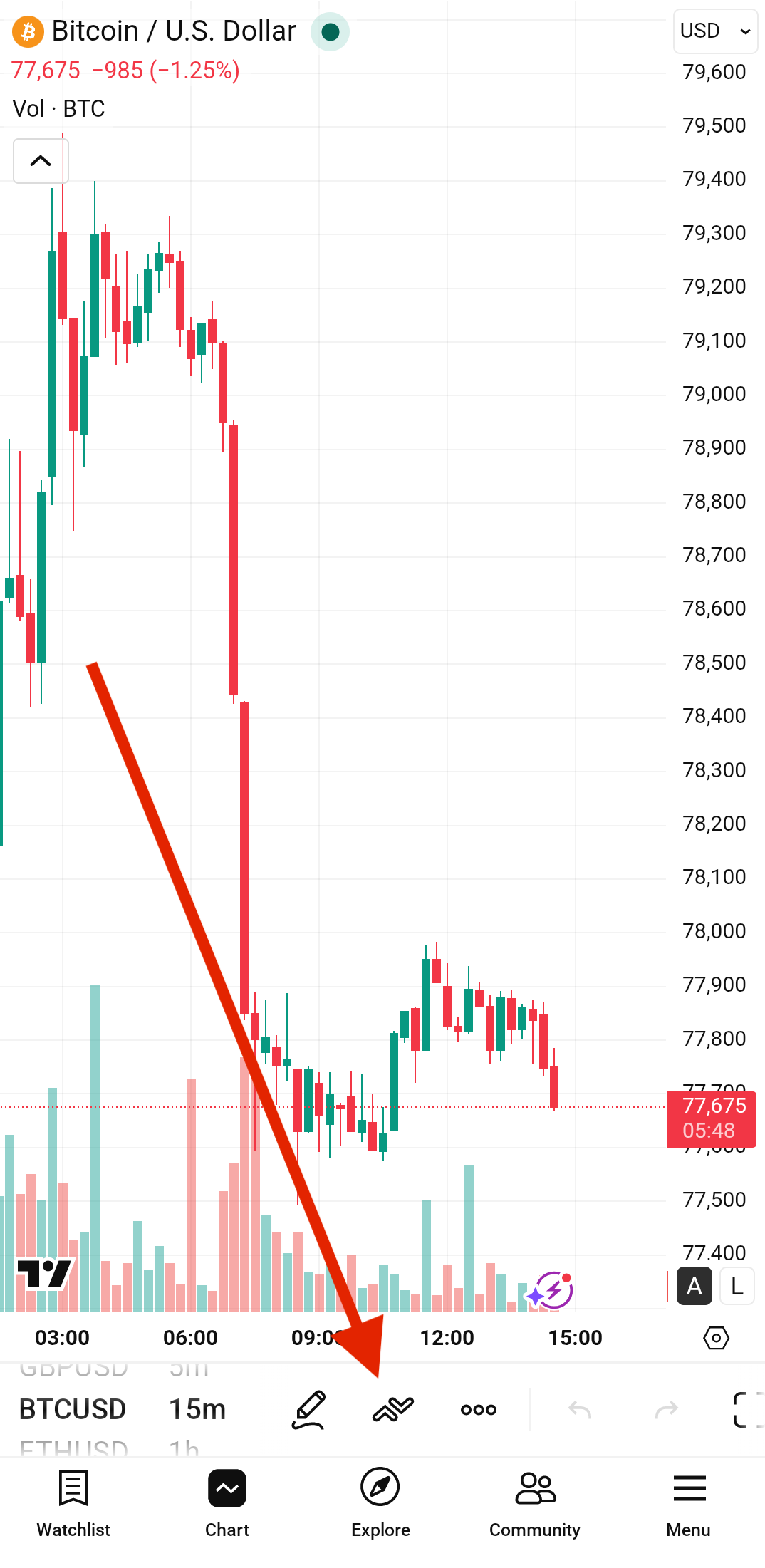
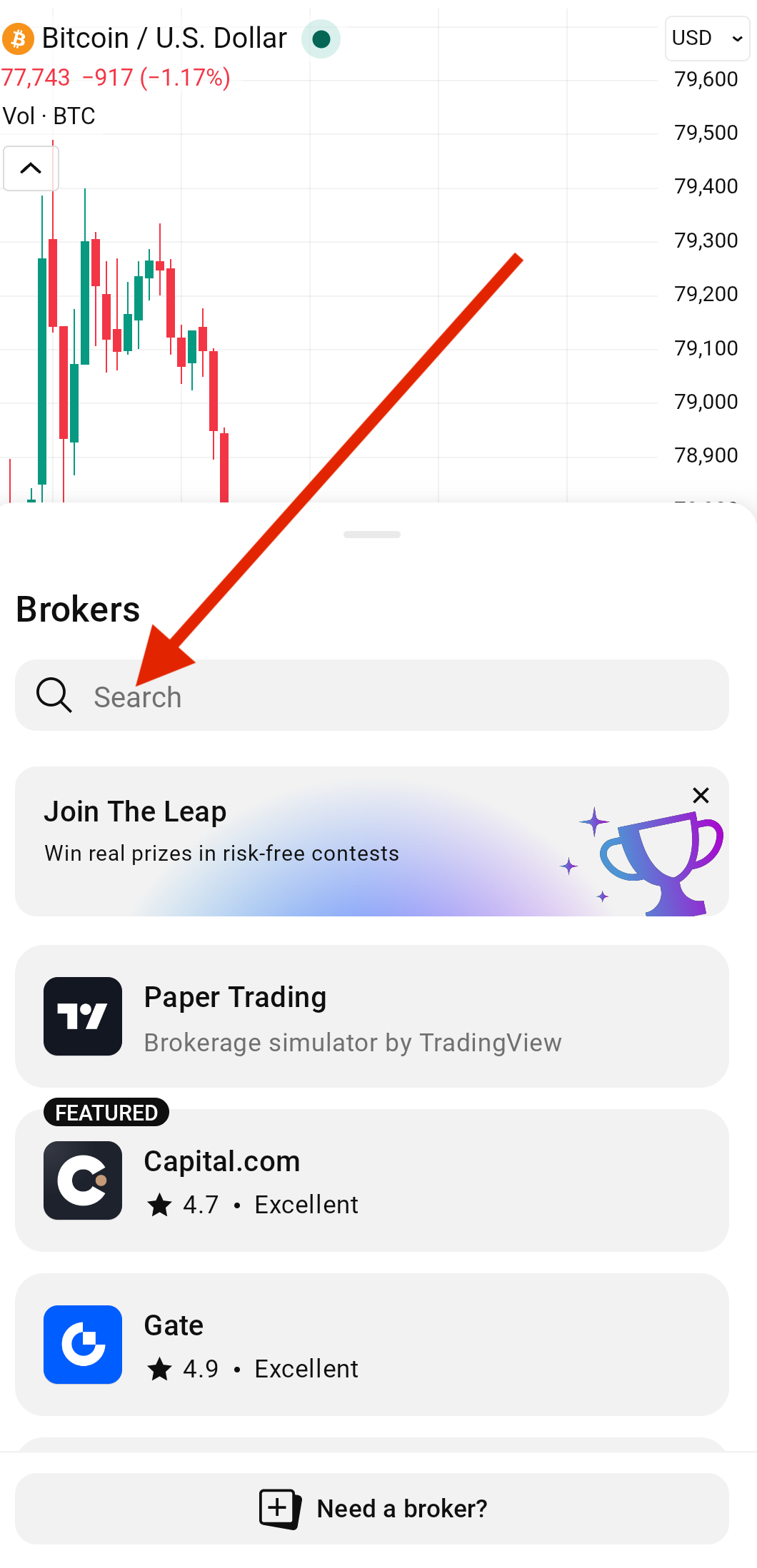
To log out of your broker in the mobile app:
- open Account manager by tapping on the broker’s icon on the chart;
- open the trading menu in the top right corner of the opened panel;
- select the Log out option