What is the account manager
The account manager is the place where you can track your orders and positions, access account settings, and configure how information about your open and closed trades is displayed. It is located at the bottom of Supercharts and appears after you connect your broker via the "Trade" button.
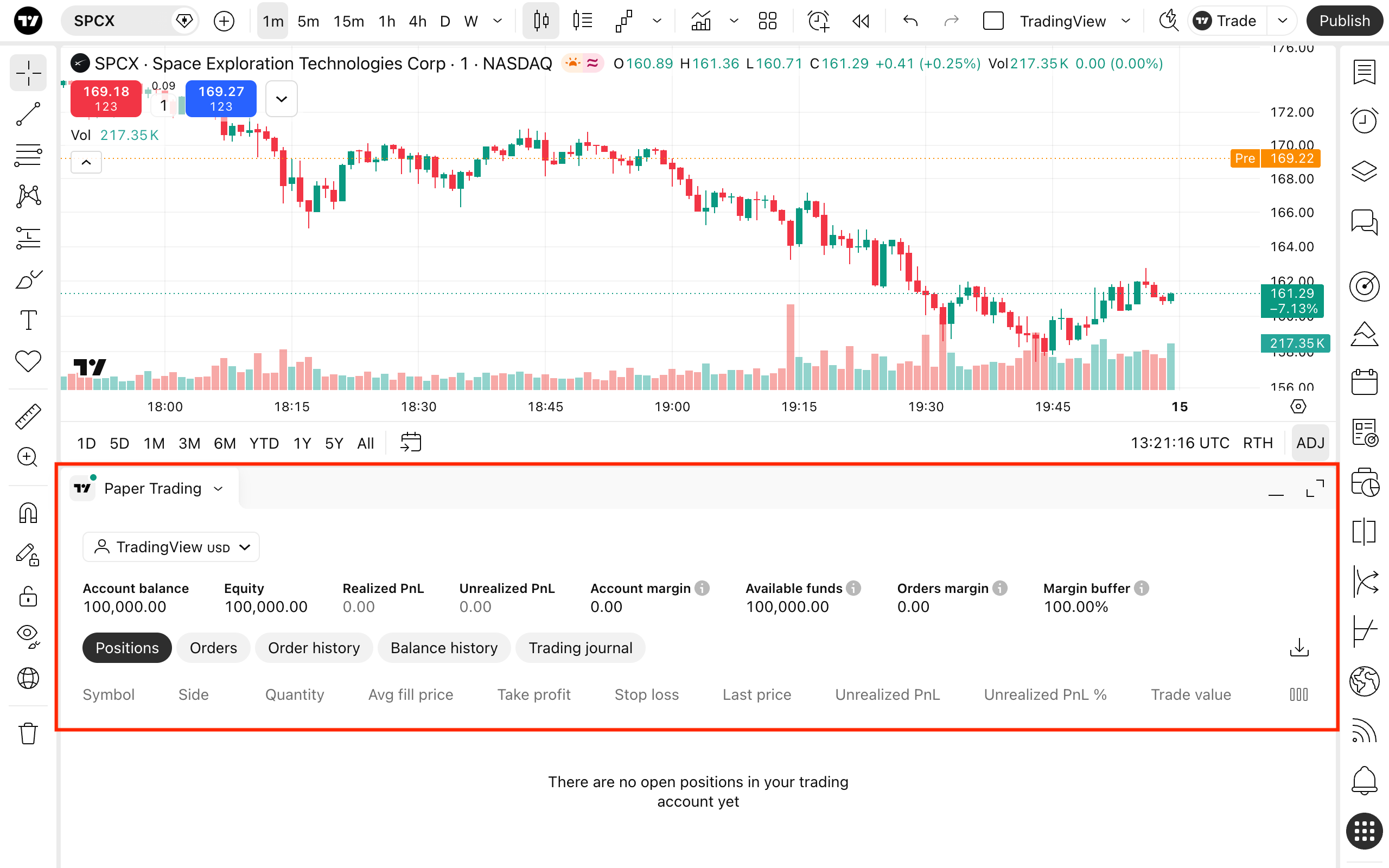
Summary row
At the top of the account manager, you can find the key stats about your account performance:
- Account balance: Total amount of your funds
- Equity: Total amount of your funds plus your unrealized PnL
- Realized PnL: Shows how profitable your closed positions are
- Unrealized PnL: Shows how profitable your active positions are
- Account margin: Funds used to keep your positions open
- Available funds: Funds you can trade with
- Orders margin: Funds needed to execute your orders
- Margin buffer: Percentage of equity remaining after margin requirements
Account settings
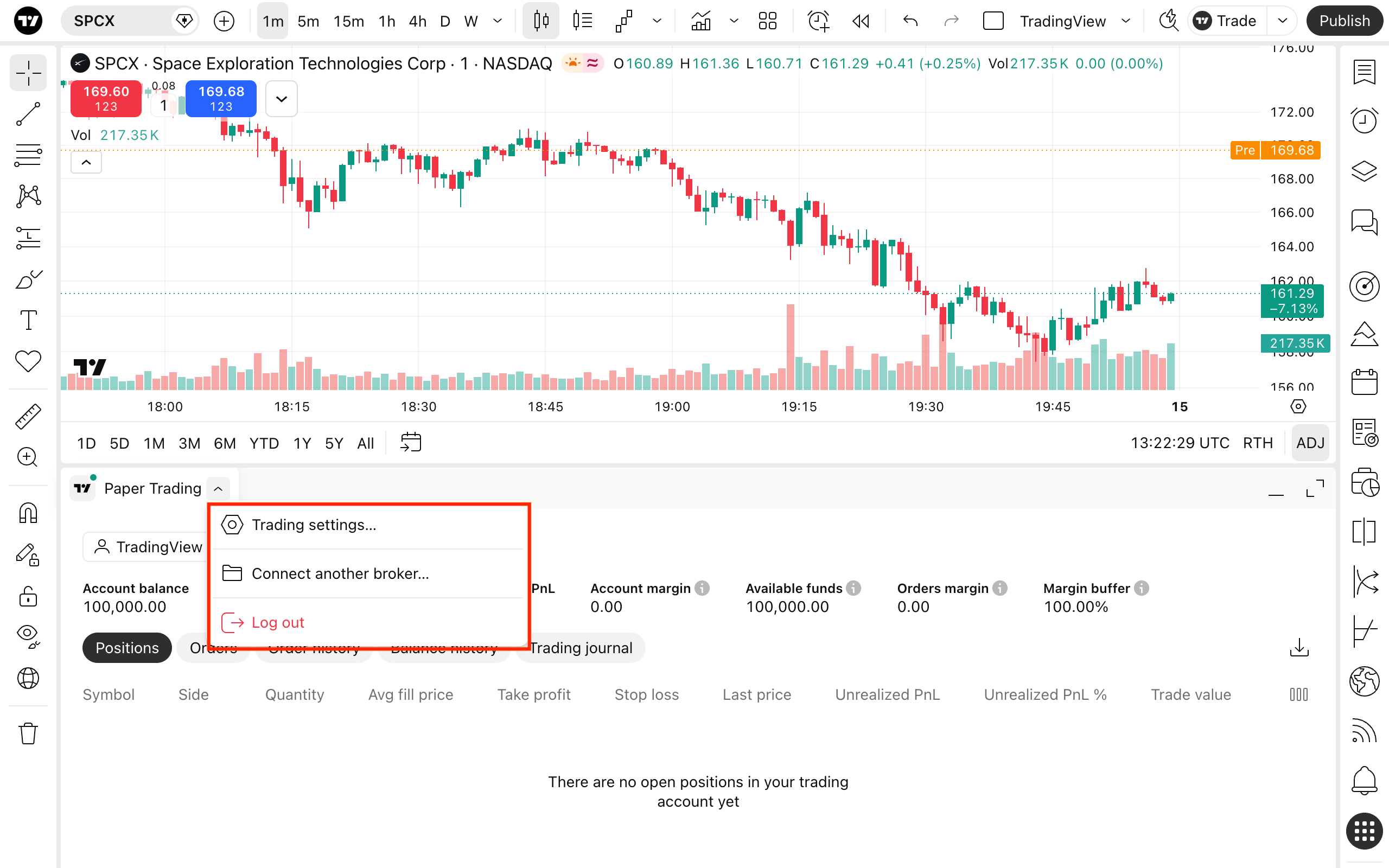
By clicking the name of your broker, you can access:
- Access trading settings
- Export your trading data as a CSV file
- Change your broker or exchange
How to track your orders and positions
Note: These columns in the account manager are different for each broker. This information is relevant to Paper Trading only.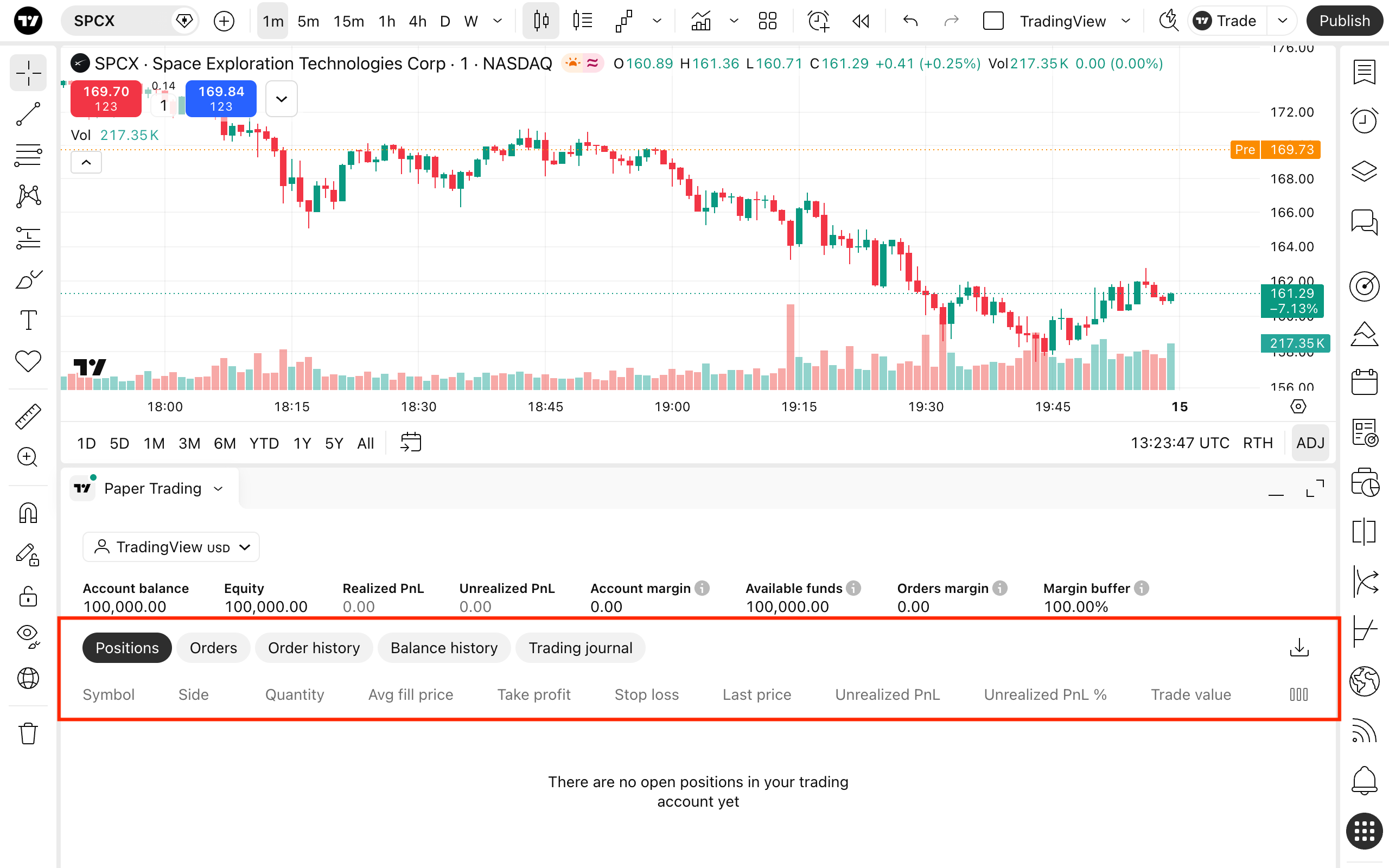
- Positions: Displays your active positions in all assets for the current Paper Trading account
- Orders: Displays your orders for the current Paper Trading account
- History: Displays information about all your filled, rejected, and canceled orders, as well as used margin, placement and closing times, and more
- Account history: Displays the information about your closed positions, with their entry and close prices, realized PnL, and more
- Trading journal: Displays textual information about your orders and their times
Also read: