Alerts on fundamentals
Keeping track of a company’s financial health just got a whole lot easier. You can now set real-time notifications for Fundamental metrics (like P/E ratio or Market Cap). If you are waiting for a stock to hit a specific valuation threshold these alerts ensure you never miss a critical market shift.
How to set up fundamental alerts
You can now set custom alerts on 11 key fundamental metrics to track valuation, yields, and market size instantly:
- Market Capitalization (Market Cap)
- Price to Earnings (P/E) Ratio
- Price/Earnings-to-Growth (PEG) Ratio
- Price to Book (P/B) Ratio
- Price to Tangible Book Ratio
- Price to Sales (P/S) Ratio
- Price to Cash Flow Ratio
- Price to Free Cash Flow Ratio
- Dividend Yield
- Buyback Yield
- Earnings Yield
Note: These alerts are based on valuation metrics and may be triggered inaccurately if the asset price changes rapidly following an earnings release. Corrected data will be displayed within a few hours.
Getting started takes just a few clicks. Here is how to add an alert to your chart:
- Navigation: Open your chart, go to the top menu, and select Indicators → Fundamentals.
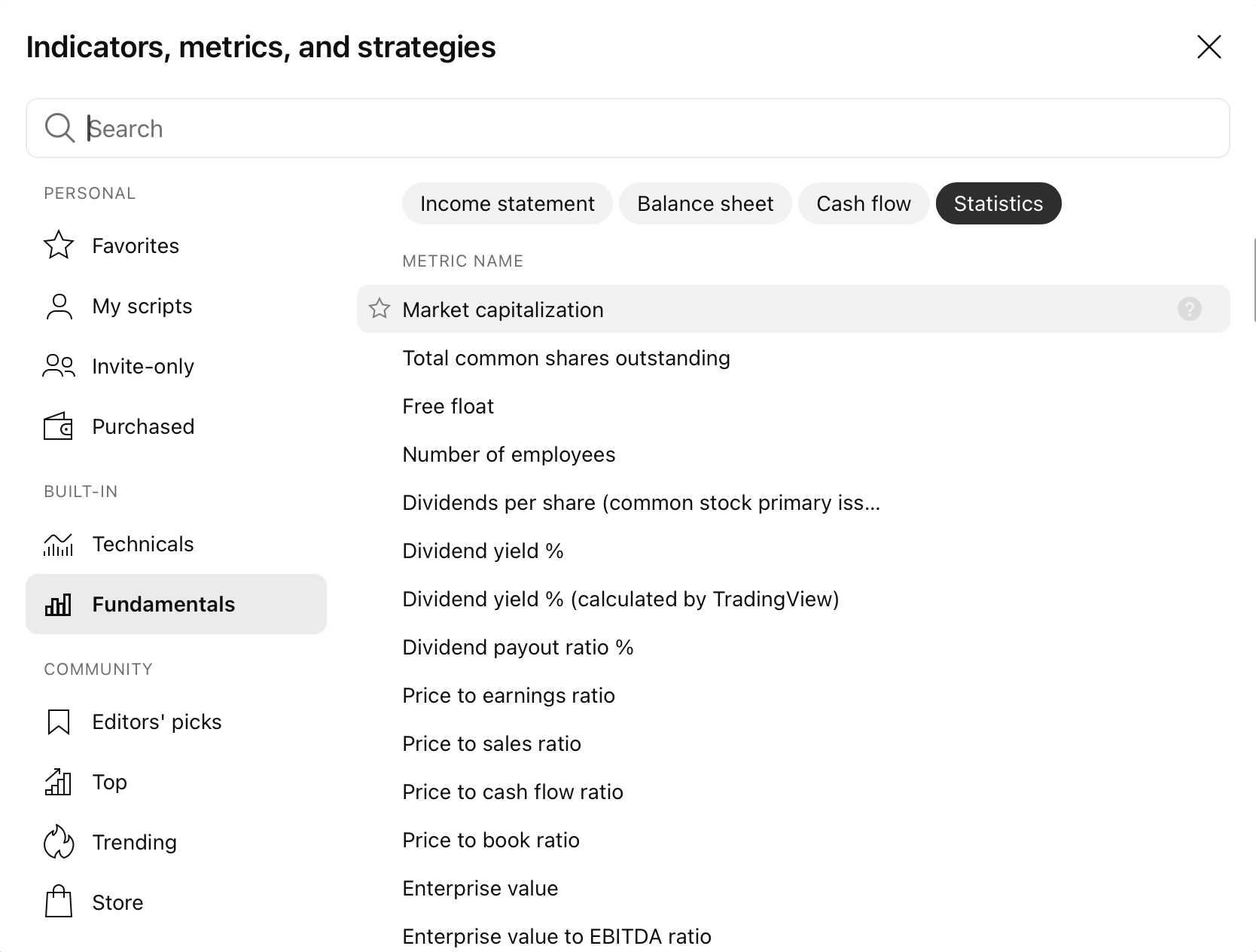
- Add to chart: Choose your preferred metric (for example, Market Cap) to plot it on your chart.
- Create alert:
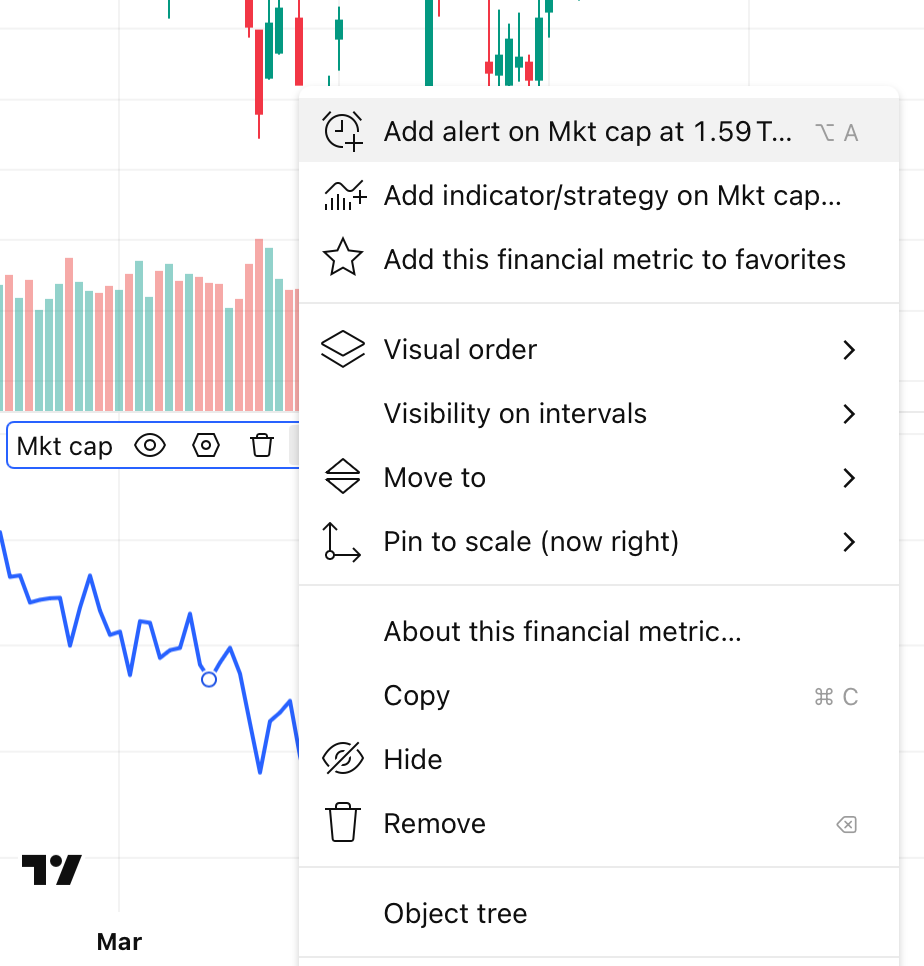
- Hover over the metric in the indicator legend and click the More / Alert icon.
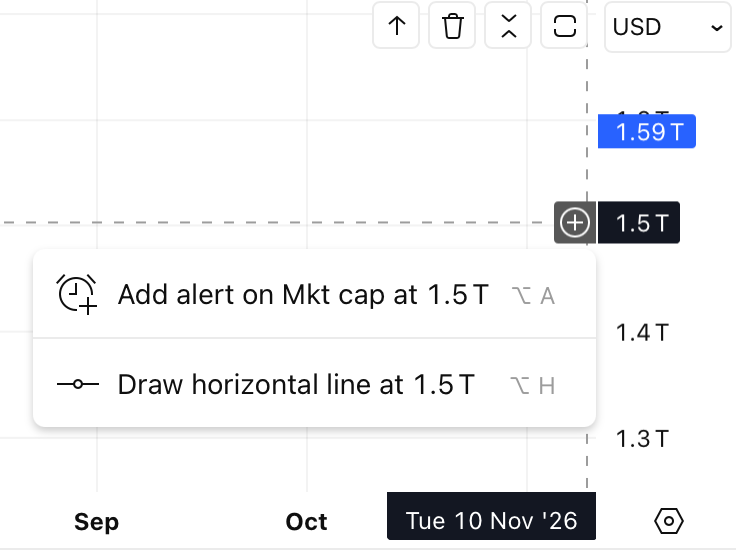
- Alternatively, click the Plus (+) button on the right-hand price scale of the fundamental indicator.