Arrow marker drawing tool
Application
The Arrow marker drawing tool is a convenient annotation instrument used to point out and highlight specific areas of interest on a chart. Whether you need to indicate a breakout level, analyze a trend movement, or mark precise entry and exit points for a trade, the Arrow marker makes your analysis clearer.
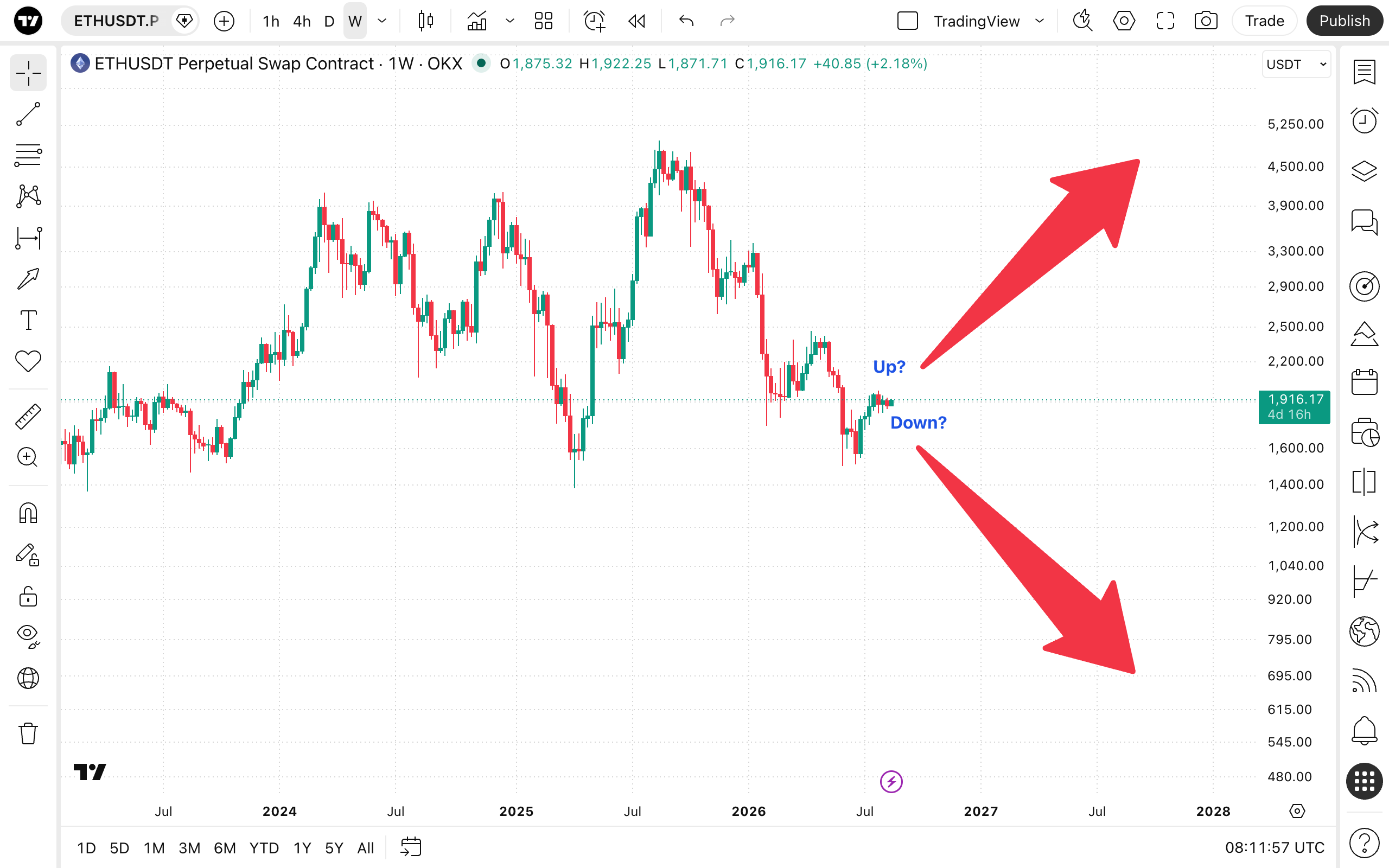
It functions similarly to a standard trendline but features a directional arrow and the ability to attach a text signature. To draw an Arrow marker, select it from the annotation tools menu. Click once on the chart to set the starting reference point, drag your cursor to place the second point (which dictates the direction the arrow points), and click again to anchor it.