Curve and double curve drawing tools
Application
The Curve and Double curve drawing tools allow users to draw smooth, adjustable arcs on the chart. These instruments are particularly useful for highlighting rounded tops or bottoms, parabolic trends, or complex cyclical price movements that straight lines cannot accurately track.
Curve
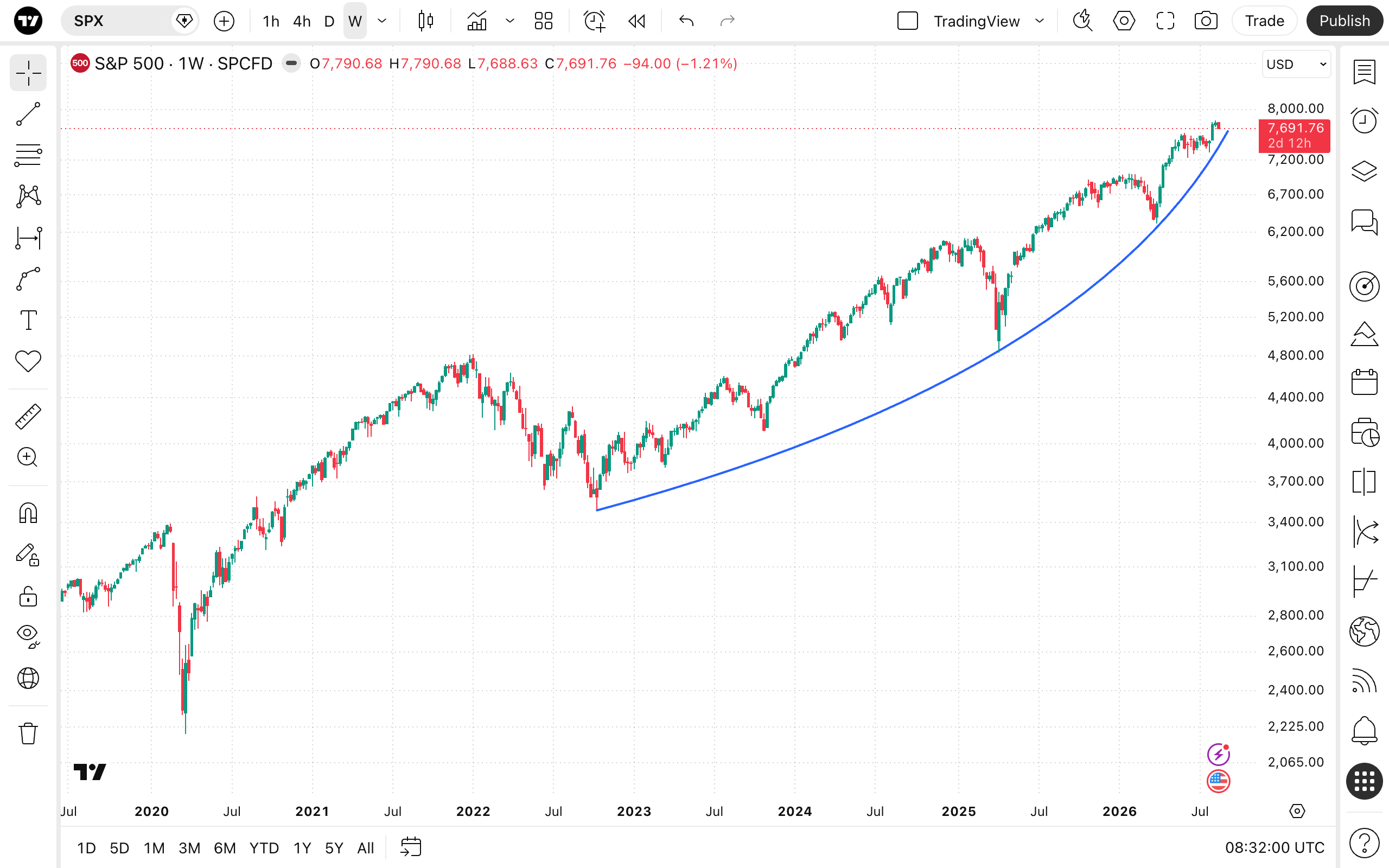
Double curve
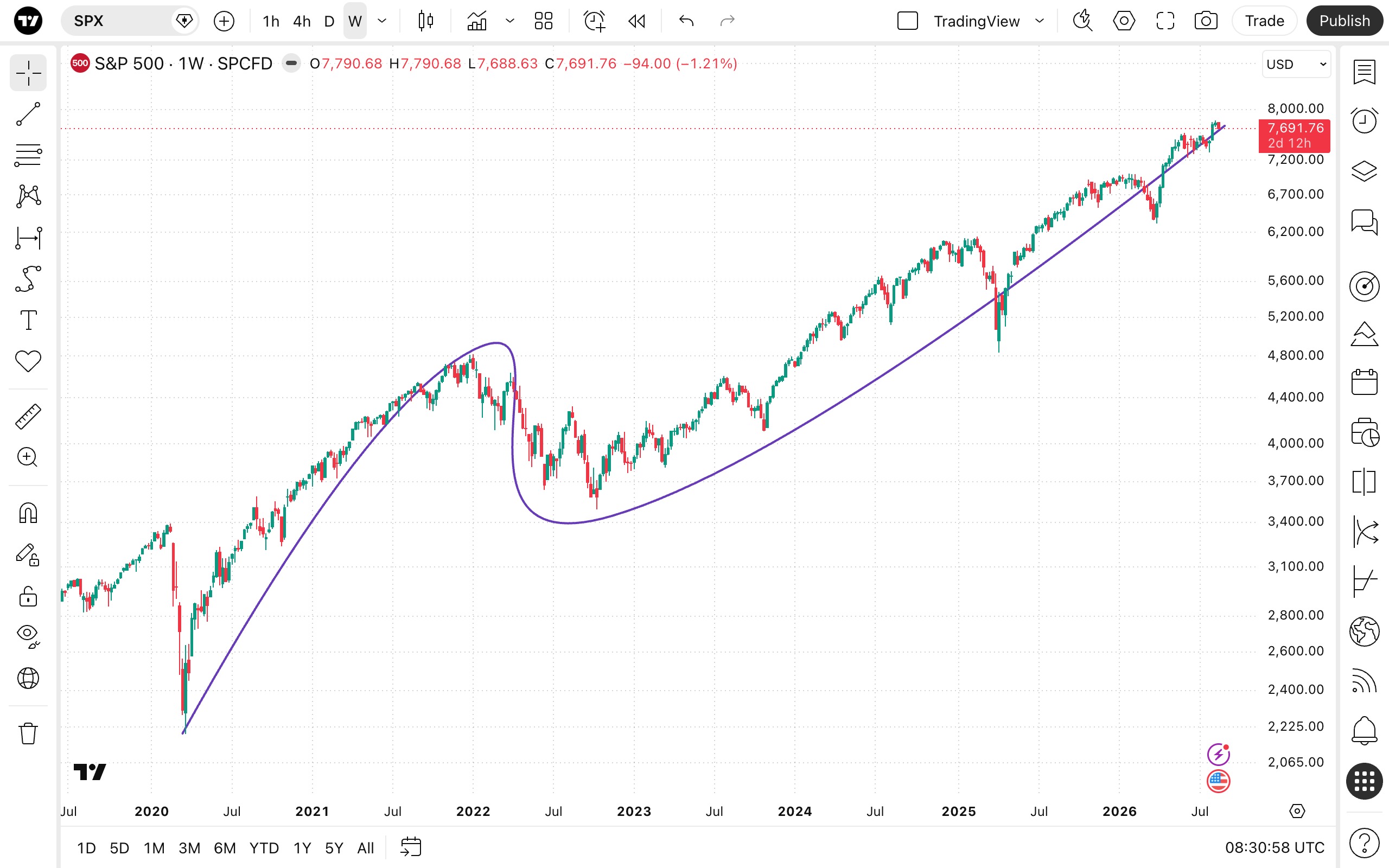
To draw these tools, select them from the drawing panel, click on the chart to place the starting point, drag and click to place the ending point. To adjust the angles of the arcs, click and pull the curves.
Style
In the Style properties dialog, it is possible to change the visual appearance of the Curve and Double curve tools:
- Line: Allows you to change the color, opacity, thickness, and style (solid, dashed, or dotted) of the curved line. You can also toggle markers (such as arrows or points) at the start and end of the line.
- Extend: Offers a dropdown menu to extend the curve's trajectory indefinitely to the left, right, or both sides.
- Background: Toggles the visibility of the shaded background fill beneath the curve's arc. You can use the adjacent color picker to adjust its color and opacity level.
Coordinates
In the Coordinates properties dialog, you can set precisely the position of the tool's anchor points on the price scale (by setting the price) and the time axis (by setting the bar number):
- Price 1: Allows for the precise placement of the curve's first anchor point using a bar number and price.
- Price 2: Allows for the precise placement of the curve's second anchor point using a bar number and price.
- Price 3: Allows for the precise placement of the curve's first control point (which sets the bend of the arc) using a bar number and price.
- Price 4 (Double curve only): Allows for the precise placement of the double curve's second control point (which sets the bend of the second arc) using a bar number and price.
Visibility
In the Visibility properties dialog, you can switch the Curve and Double curve tools displaying on charts of different chart intervals.