Pin drawing tool
Application
The Pin drawing tool is a minimalist annotation instrument that allows you to mark a specific point of interest on your chart without cluttering your workspace with large text boxes. What makes this tool unique is its space-saving design: it stores a custom text note that remains hidden by default, but instantly becomes visible whenever you click on the pin icon.
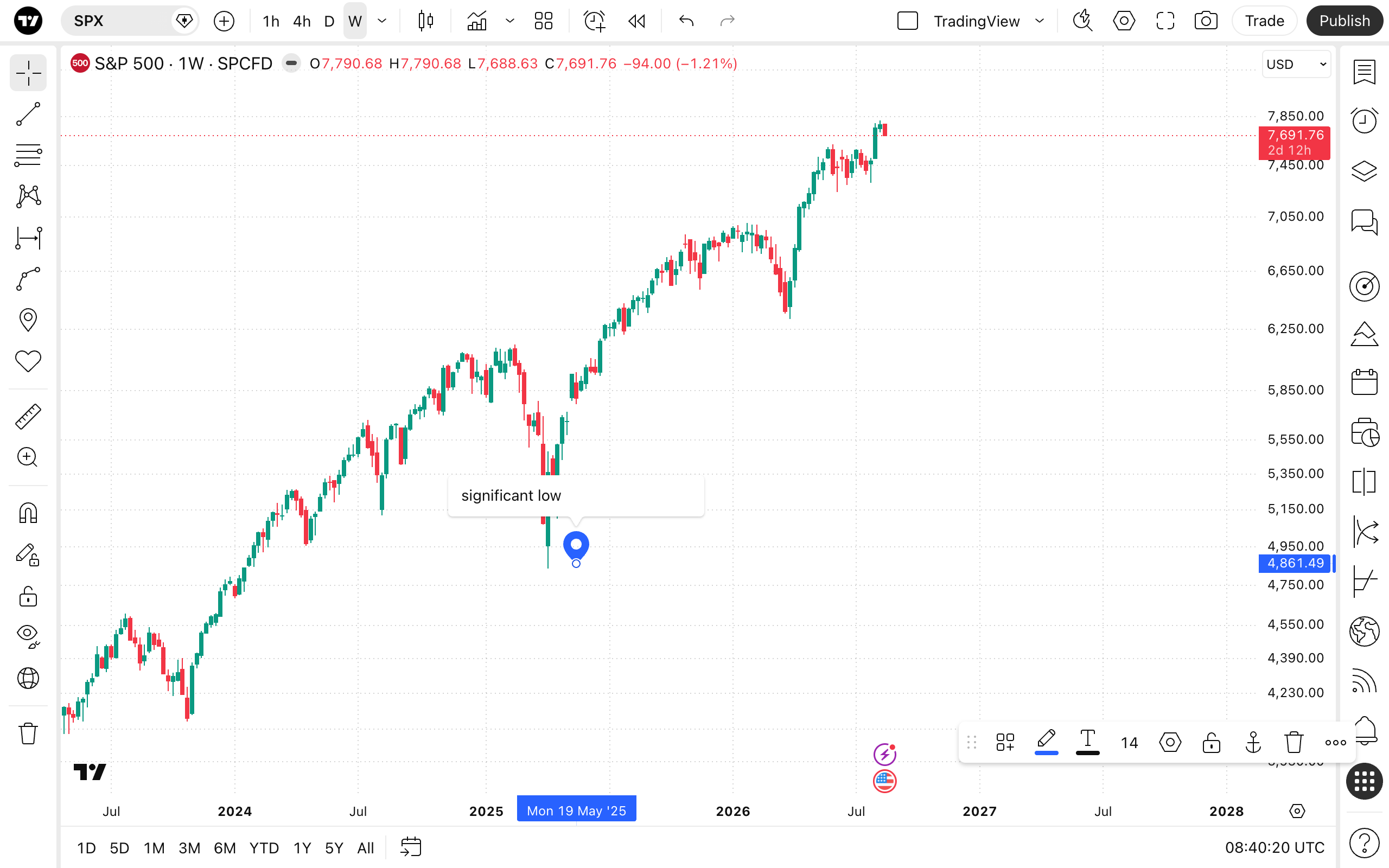
To add a Pin to your chart, select the tool from the drawing panel and click on the specific point you wish to mark. Once placed, you can double-click the pin or open its settings to add your custom text.
Style
In the Style properties dialog, it is possible to change the color of the pin icon itself.
Text
In the Text properties dialog, you can add and format the hidden text note:
- Text formatting: Located at the top, these controls allow you to change the text color and font size. You can also choose to apply bold and/or italic formatting.
- Text box: The large input field where you type your custom note or description. This text remains hidden on the chart until the pin is clicked.
- Background: Toggles the visibility of the background box behind your text. You can use the adjacent color picker to adjust its color and opacity level.
- Border: Toggles the visibility of the border surrounding your text box, allowing you to customize its color and opacity level.
Coordinates
In the Coordinates properties dialog, you can set precisely the position of the pin on the price scale (by setting the price) and the time axis (by setting the bar number):
- Price 1: Allows for the precise placement of the Pin's anchor point using a specific bar number and price.
Visibility
In the Visibility properties dialog, you can switch the Pin tool displaying on charts of different chart intervals.