How to create and manage a community competition
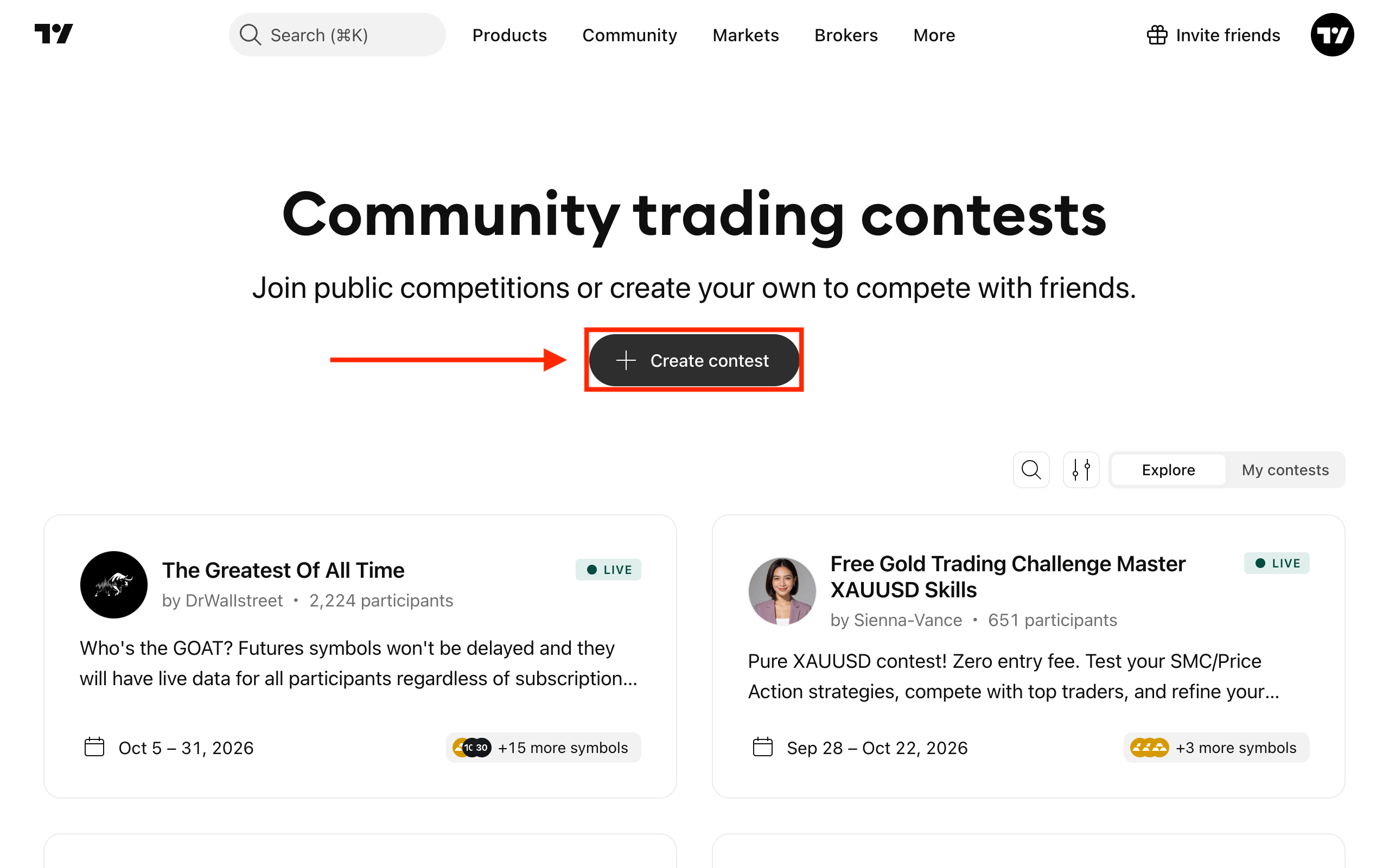
To create a competition, open the Community dropdown, select Community contests, and click Create contest.
- Visibility: Public or Access by link. Public is available on Premium and Ultimate.
- Name: Required, up to 100 characters.
- Description: Optional, up to 200 characters.
- Start and end date: A competition can last from 1 hour to 28 days.
Trading settings:
- Assets: All Paper Trading symbols, selected asset types (crypto, forex, futures, stocks, others), or selected symbols (up to 500).
- Starting balance and currency: By default, 100,000 USD.
- Leverage and commissions: Optional, you can set any value.
- Margin control: Is always on for public competitions. For competitions with link access, you can turn it on or off.
After you create the competition, you join it automatically. Share the link from the competition page to invite participants.
What you can change later
Use the description to keep participants updated during the competition. Participants do not get a notification when it changes.
Deleting a competition
You can delete an upcoming or live competition only while you are the only participant. Once other users join, the competition runs until its end date. Completed competitions are deleted automatically after 21 days.
As the creator, you cannot leave your own competition, change results, or remove participants.
Also read: