Where can I find my payment methods?
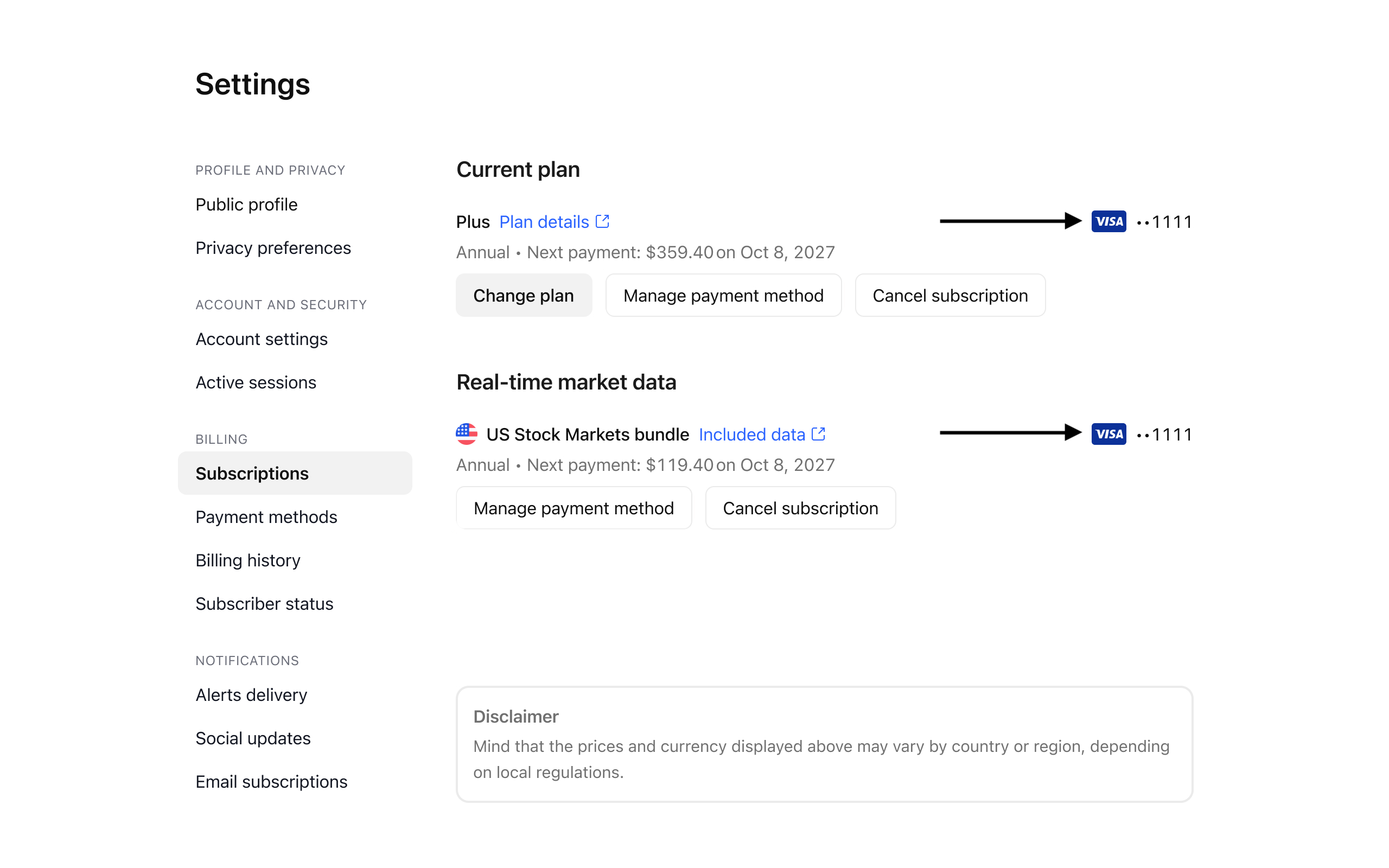
There are two pages in your profile settings where you can check your payment methods: Subscriptions and Payment methods.
You can link different payment methods to different subscriptions. To check and update a payment method linked to a specific package, please go to your Settings and billing page → Subscriptions and click Manage payment method.
To see all payment methods that you have in your account and delete them, go to the Payment methods tab.
Please note that if a payment method is linked to an active subscription with the enabled auto-renewal, you won’t be able to delete it. First, open the Subscriptions tab and cancel the subscription’s auto-renewal.