Chỉ báo
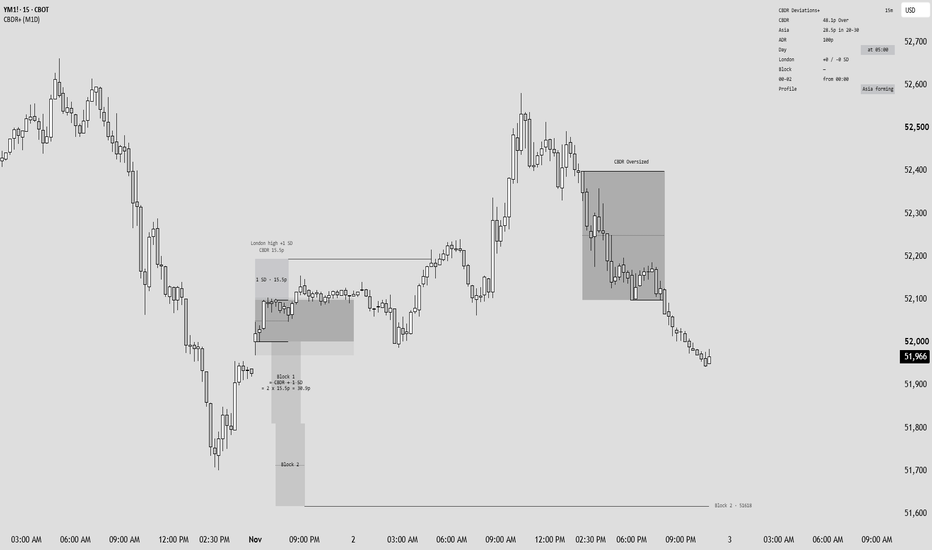
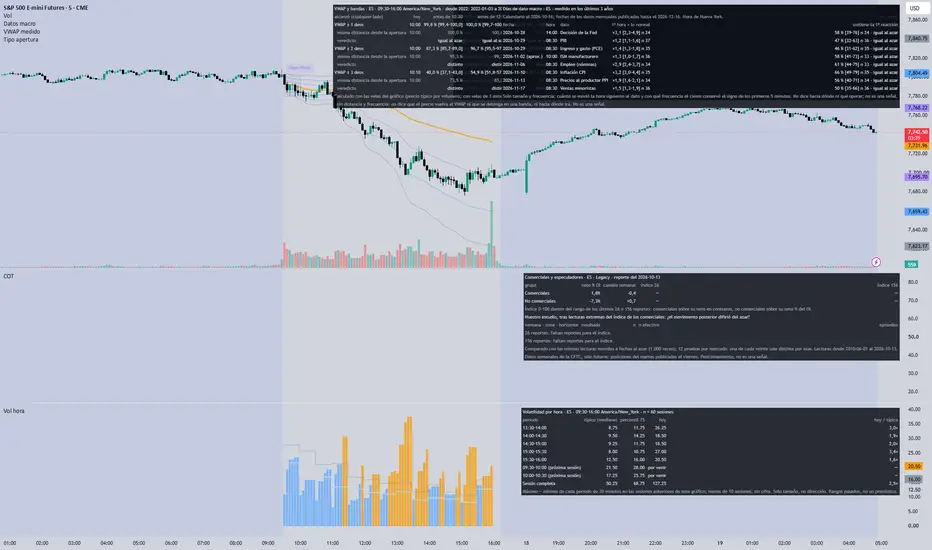
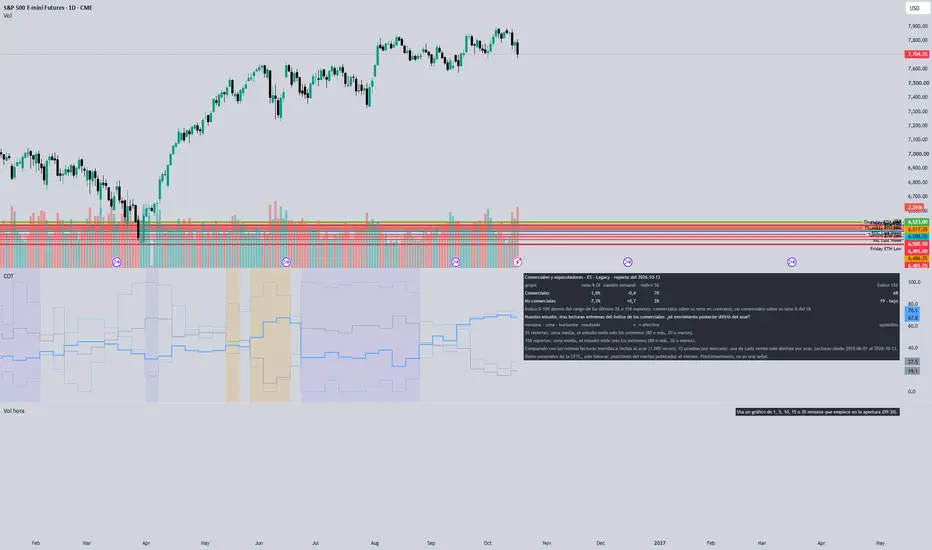
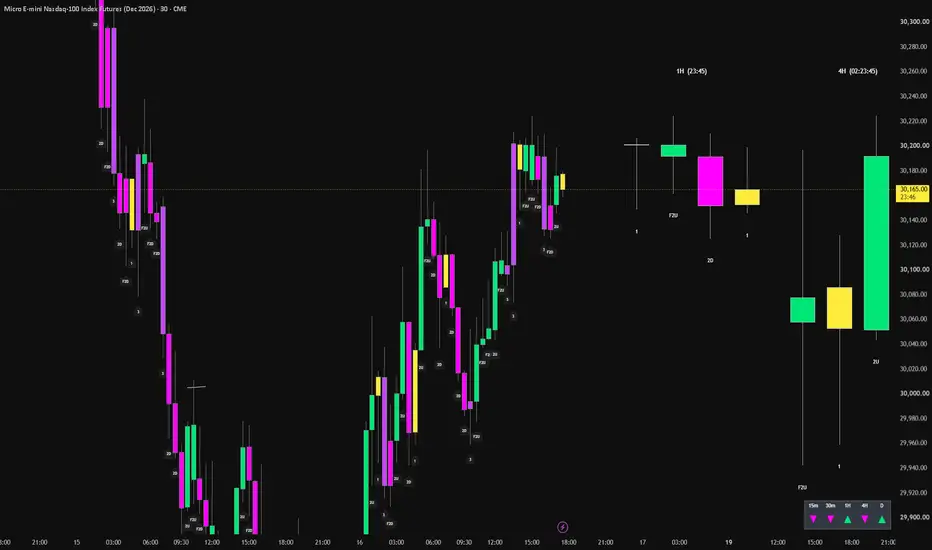
US Macro Release Days with Measured First HourMarks the scheduled US economic releases of the coming weeks on the chart (CPI, payrolls, PPI, retail sales, GDP, PCE, the Fed decision and ISM manufacturing) at their New York time, and for the chart's market shows how much the first hour after each release moved against a normal hour and how often the session close kept the first reaction, each figure with its sample size.
WHAT IT SHOWS
- Dotted vertical lines with a label at each scheduled release, up to 500 bars ahead.
- A table: date, time Chỉ báo
Chỉ báo

Chỉ báo
Chỉ báo

Chỉ báo

Chỉ báo
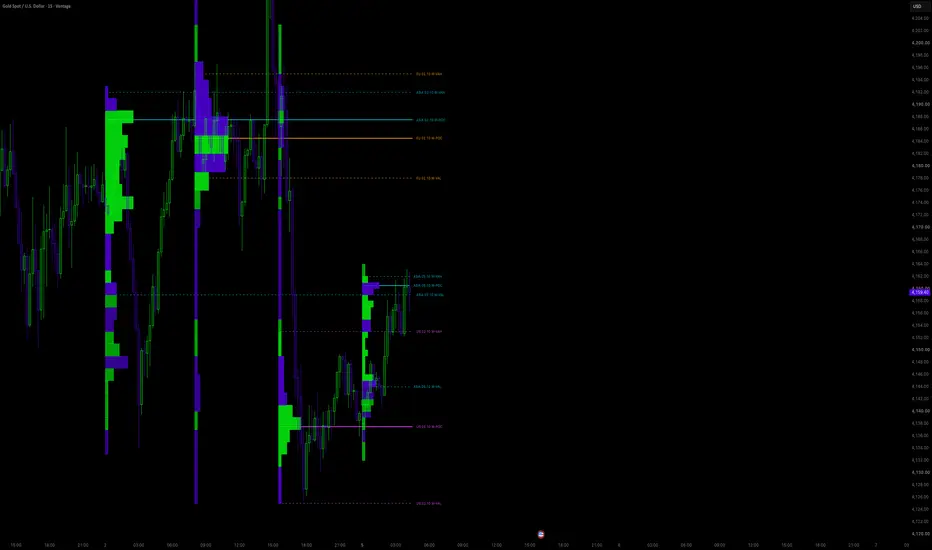
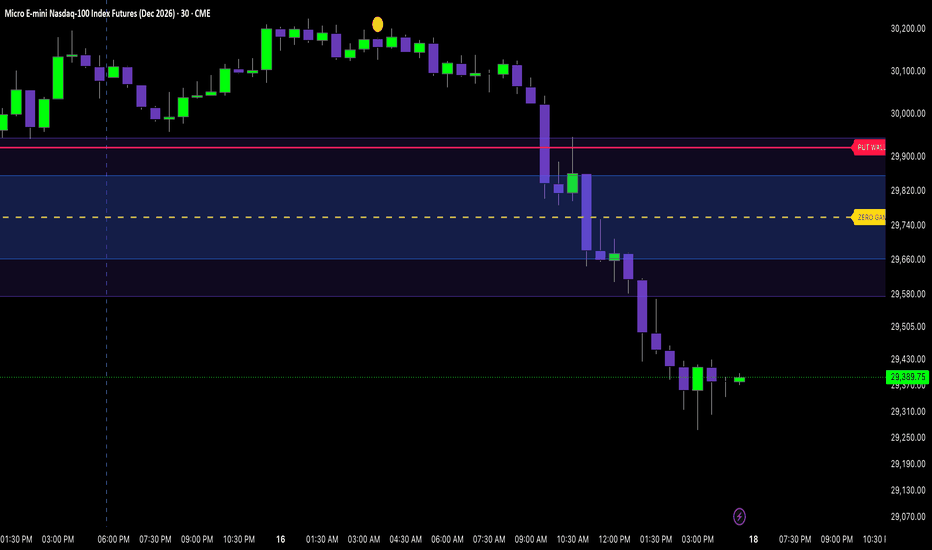
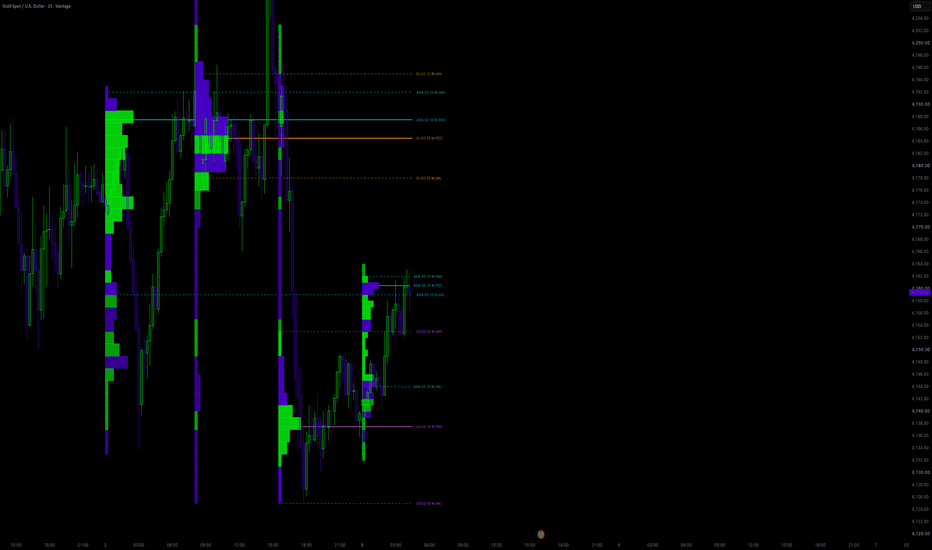
DeepGamma Style Pro (Stable Walls)Level,Meaning,How to use it
Call Wall,Strong resistance (dealers sell calls here),Expect rejection or slowdown when price reaches it
Put Wall,Strong support (dealers sell puts here),Expect bounce or slowdown when price reaches it
Zero Gamma,Balance point / flip zone,Above it = more stable (positive gamma). Below it = more volatile (negative gamma)
Major Gamma Zone (blue),Highest dealer activity area,"Price tends to get ""sticky"" or chop inside this zone"
Minor Gamma Zone (purple),Outer gamma ar Chỉ báo
Chỉ báo
Chỉ báo
Chỉ báo

Chỉ báo
Chỉ báo
Chỉ báo
Chỉ báo
Chỉ báo
Chỉ báo
Chỉ báo
Chỉ báo
Chỉ báo
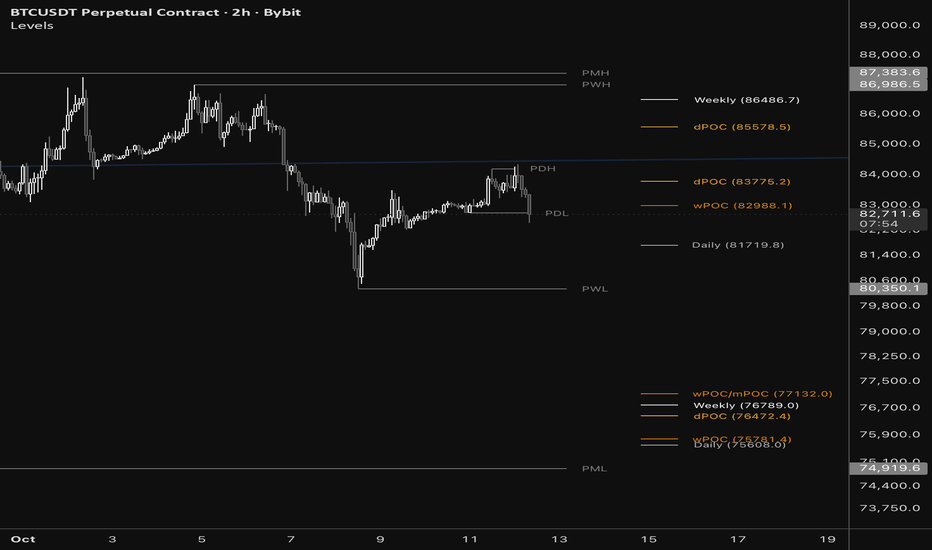
Chỉ báo

Chỉ báo
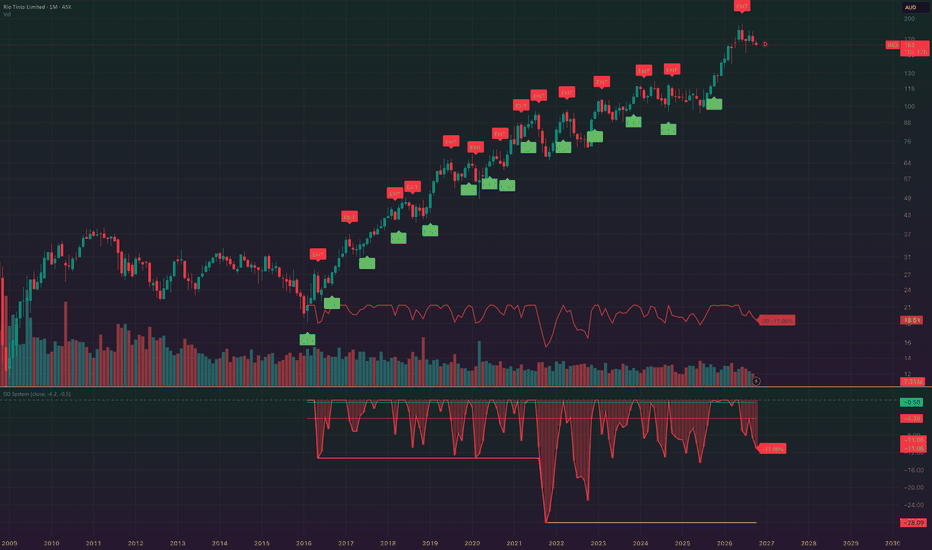
Chỉ báo
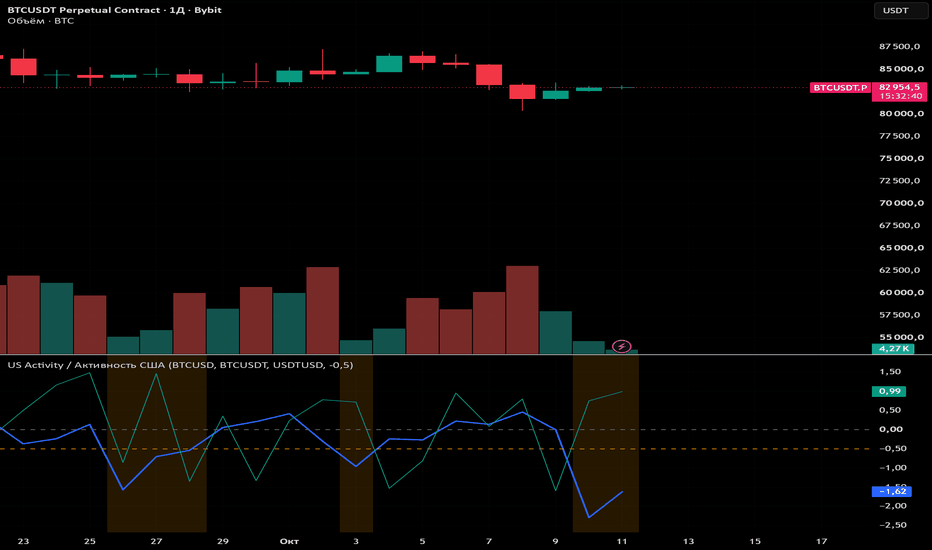
Chỉ báo