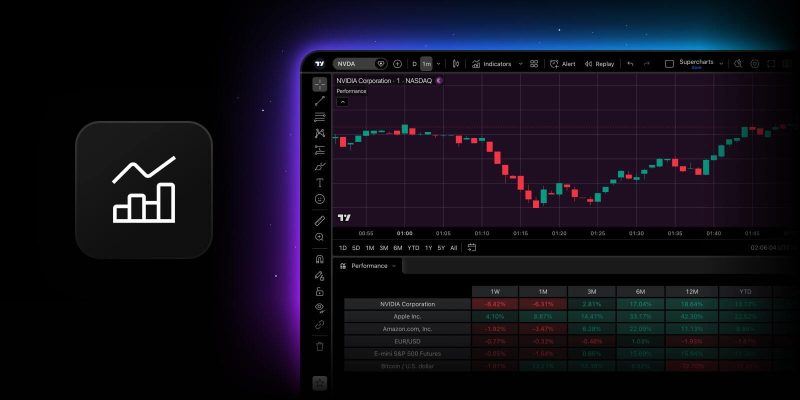
Tables are a great way for Pine scripts to display important data clearly — strategy metrics, screener-style reports, or custom stats. The catch has always been placement — a table sitting on the chart takes up space and can end up covering the candles you’re trying to read.
Now you can move any table a Pine script creates from the chart into a bottom tab, and back again, whenever you like.
How it works
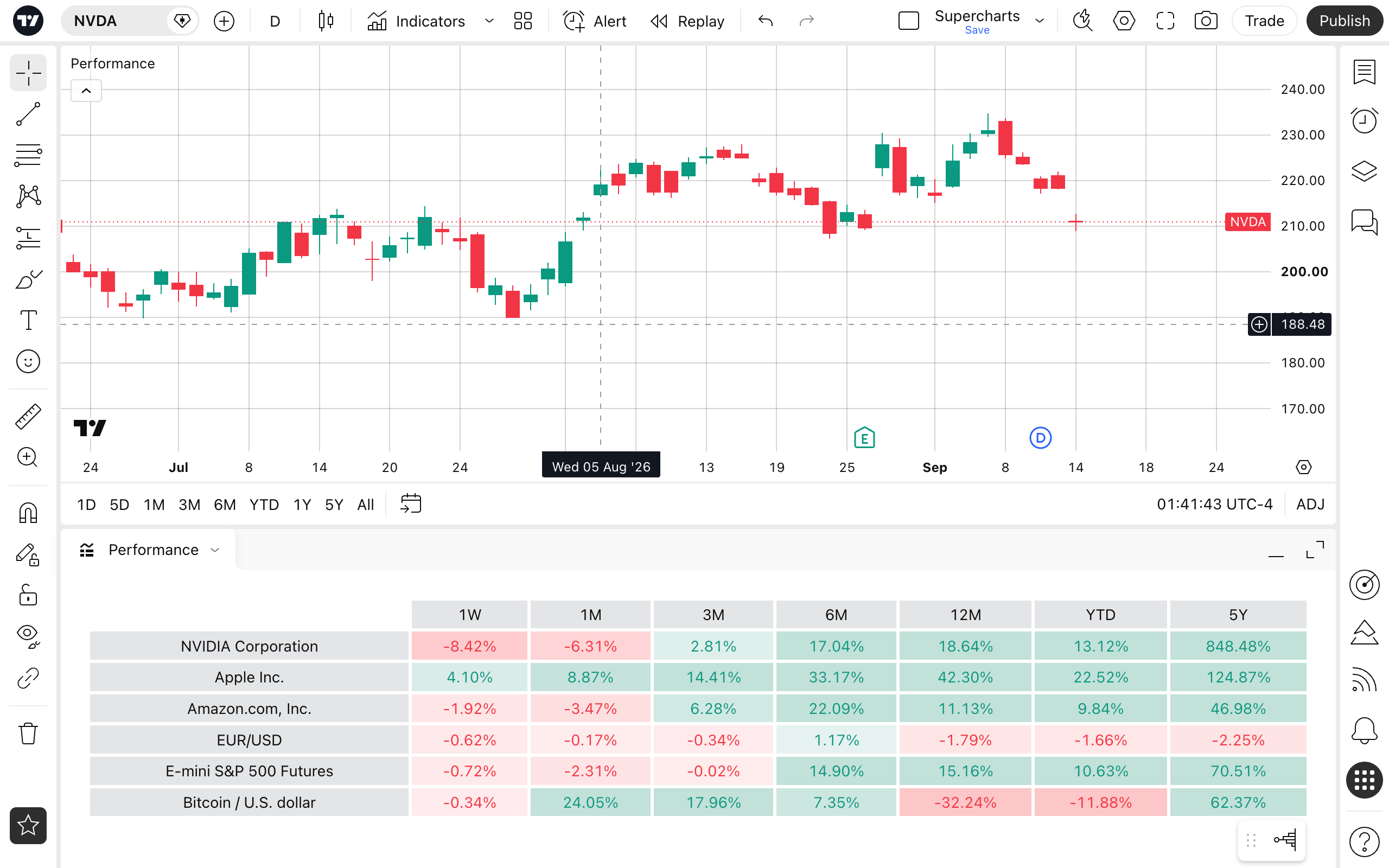
Right-click a table and select Move tables to bottom panel. All tables drawn by that indicator will leave the chart and will be drawn in a separate tab in a panel below it. The same option is also available in the More menu.
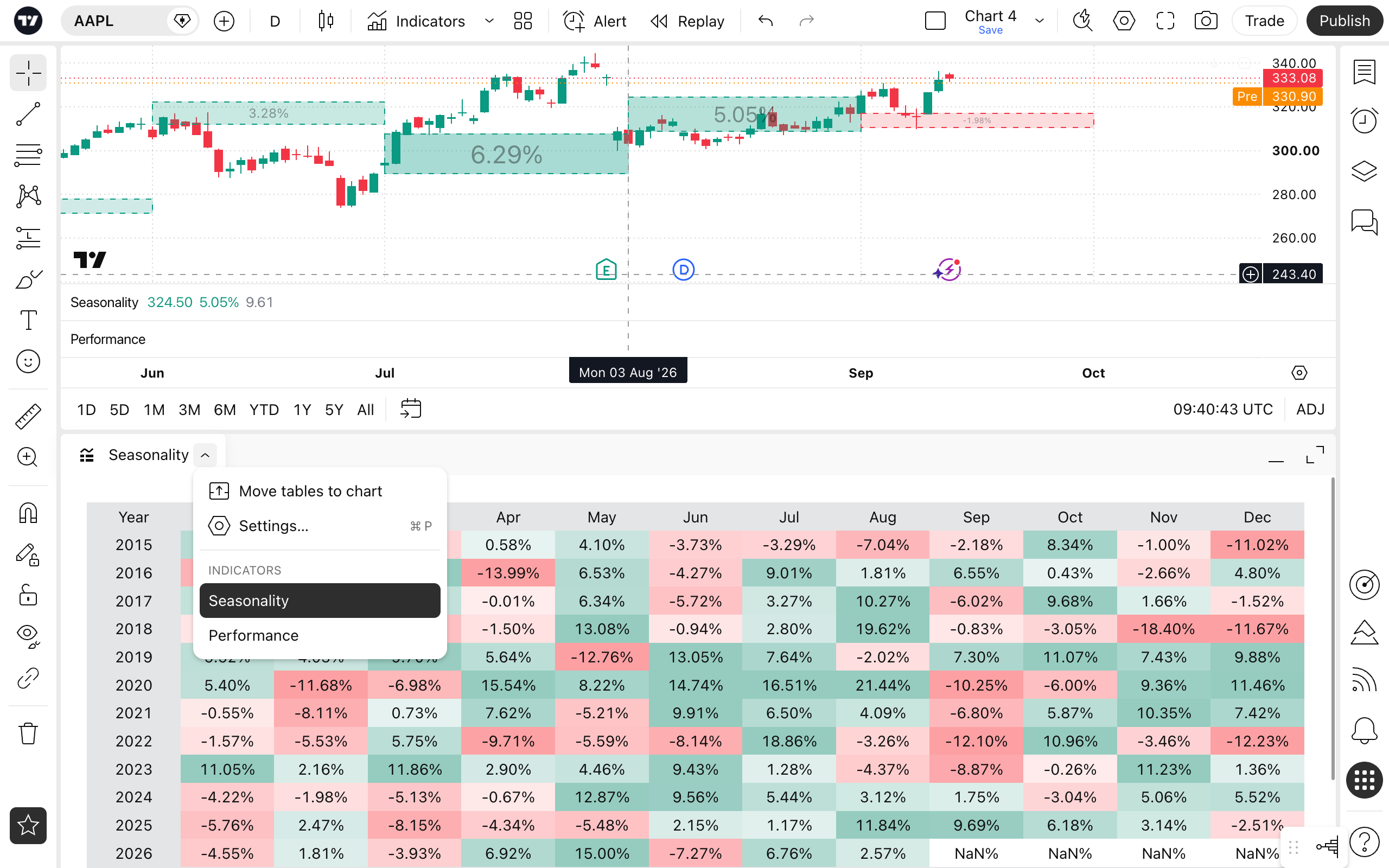
This works for any script that uses Pine’s table functionality, and you can move more than one script into the panel at once. The panel’s context menu allows you to switch between different indicators that were moved to the bottom panel, or send them back to the chart if necessary.
As always, share with us what you think — your feedback helps us make TradingView better.
Team TradingView