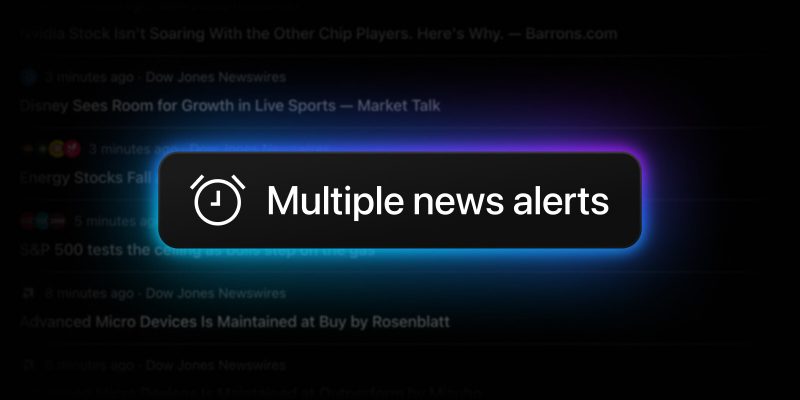
Staying informed on market fundamentals is just as crucial as technical analysis. Real-time news alerts notify you the moment an article matching your custom News Flow filter is published, ensuring you instantly catch earnings reports, company updates, and macro shifts.
Previously, you could only have one active news alert at a time. To better support comprehensive strategies and diverse watchlists, we have expanded this capability. Now, all paid plan holders can track up to 10 different news flows simultaneously.
Getting started is as simple as ever:
- Create a News Flow filter template by selecting the tickers, watchlists, topics, or providers you want to follow
- Switch on the “News alert” toggle in the page header menu. You can also quickly activate it by clicking the alarm clock icon in the “Recently used” section or the “Open flow” dialog
- Repeat the process for up to 10 of your most vital news flows
Once enabled, your active flows will be marked with an alert icon. The moment news that matches your specific criteria drops, you’ll receive an instant notification.
Multiple alerts can help you stay informed about the smallest market movements, especially when combined with our AI-powered corporate updates — real time regulatory releases that instantly deliver concise summaries, so you get the essential facts immediately.
The true power lies in combining multiple filters to create highly specific news feeds. For example, you could filter by your watchlist, corporate activities you’re interested in, and “TradingView” provider, save the feed, and set up alerts.

So go ahead — open News Flow, apply your filters, and set up alerts. Let TradingView monitor the market-moving events so you can focus on trading.
Let us know what you think, your feedback keeps TradingView growing and improving every day.
Team TradingView