Watchlist alerts: your trading edge
With watchlist alerts, you can stay notified across multiple symbols at once, making it easier to track specific market conditions across a wide range of assets. This feature allows you to use the same operators available for other types of alerts and saves you time while studying various symbols — from cryptocurrencies to economic metrics
CONTENTS:
How watchlist alerts work
- Independent tracking: Every watchlist alert functions independently for each symbol in the list. These alerts trigger individually whenever the specified condition is met.
- Active duration: The overall alert will stop only when it has been triggered for all symbols in the list; until then, it remains active.
- Dynamic updating: The alert will still trigger if you add a new symbol to the watchlist after creating the alert. Conversely, if you remove a symbol from the watchlist, the alert will no longer apply to it. This ensures that your alerts always reflect the most current set of symbols in your active list.
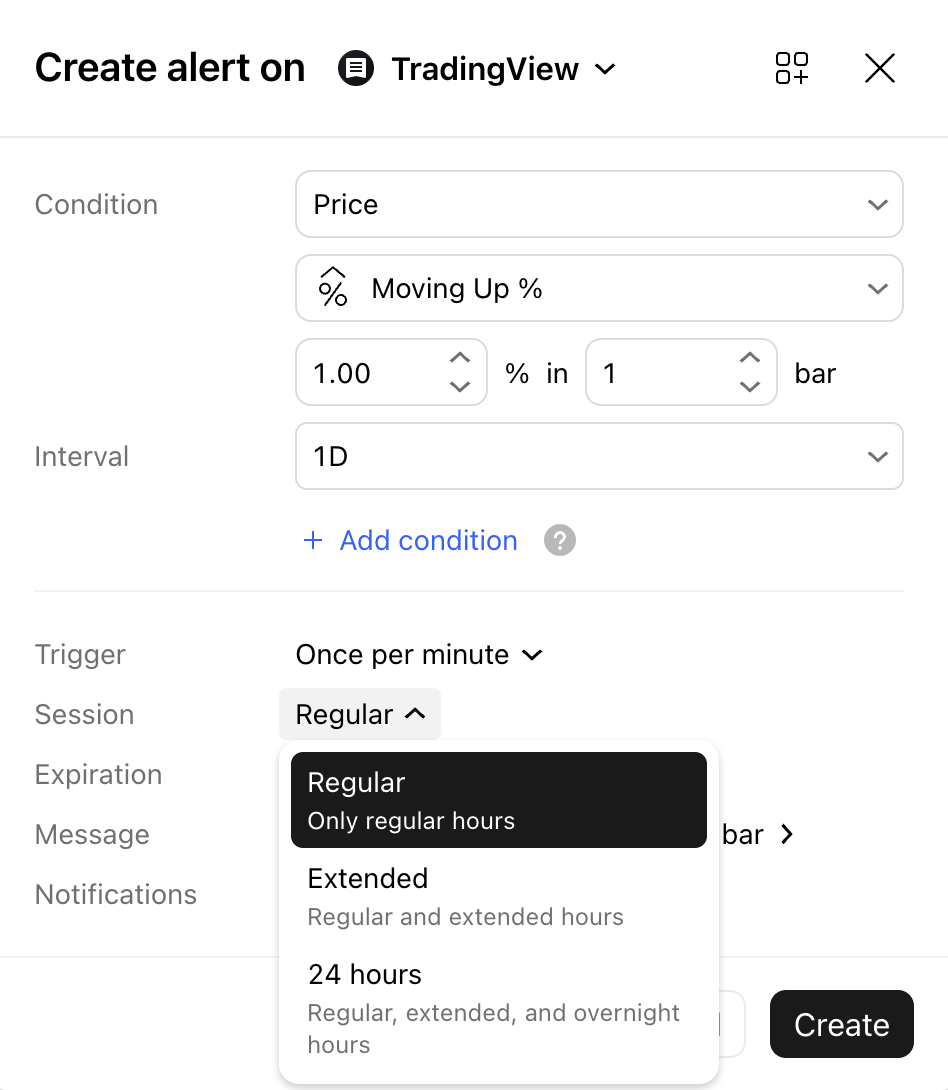
Note: You can change the session setting to make the alert calculate outside regular trading hours. Select Extended to include pre- and post-market hours for US stocks and ETFs, or 24 hours to also include the overnight session for stocks with overnight trading data. Futures symbols will always be calculated within their electronic trading hours, regardless of the selected session setting.
How to create a watchlist alert
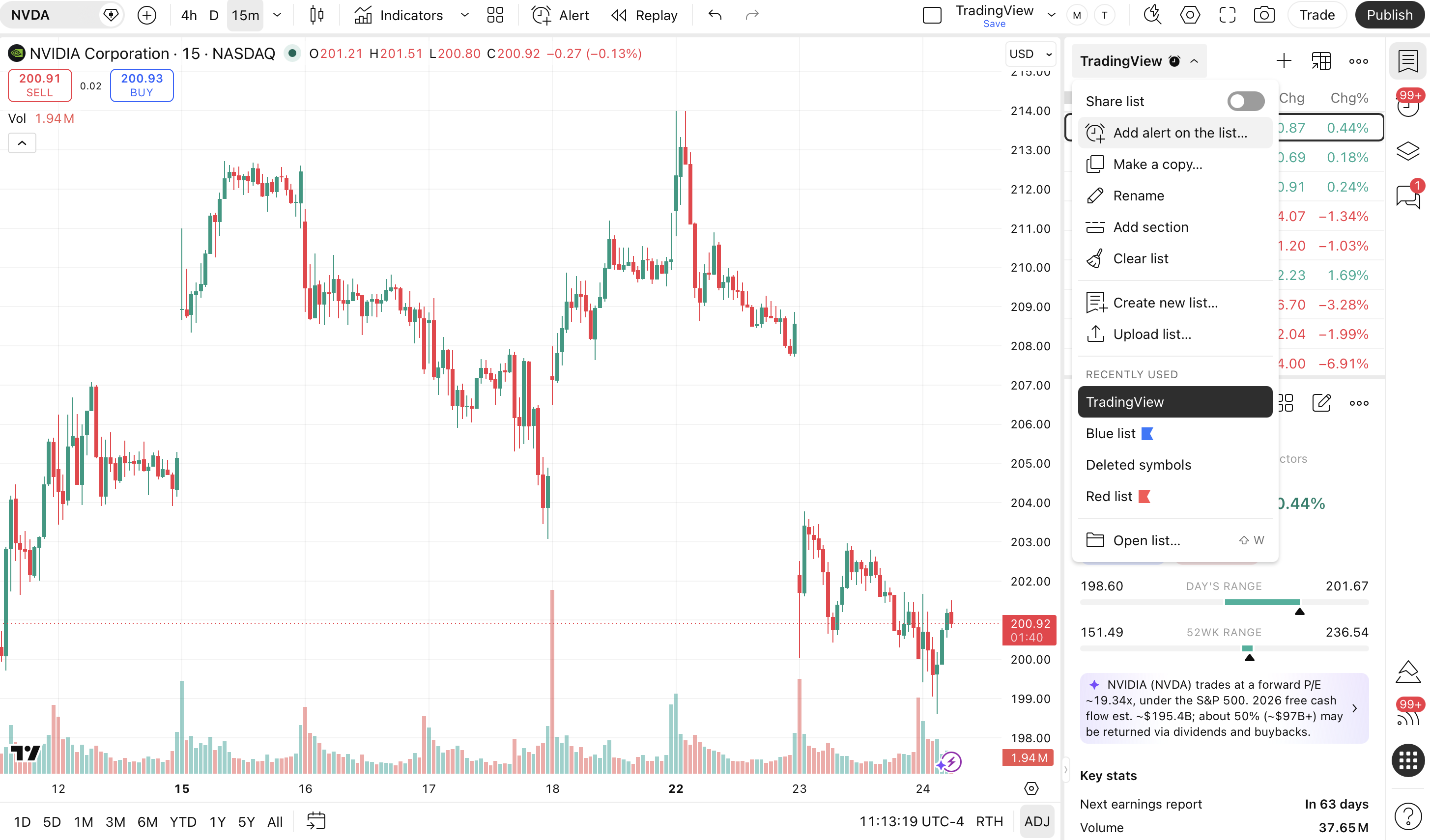
There are two simple ways to set up an alert for your watchlist:
Click the Add alert on the list… button directly inside the watchlists dropdown menu.
Alternatively, you can create it directly from the Symbols dropdown within the standard Create alert dialog, regardless of how you accessed the alert configuration menu.
Also read: