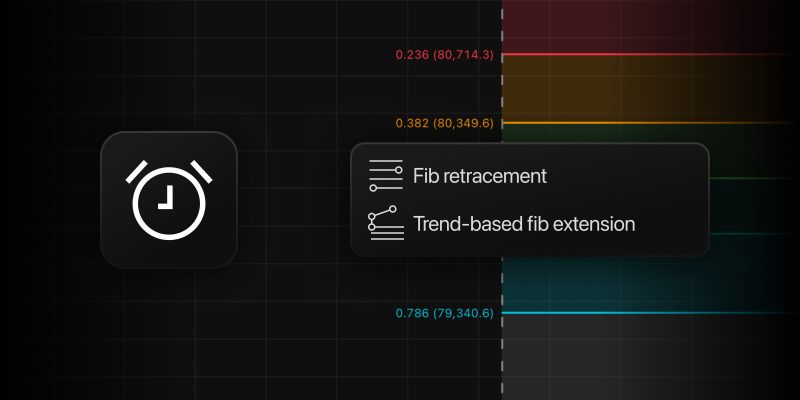
Fibonacci retracements and extensions are among the most-used tools for spotting potential support, resistance, and reversal zones. But until now, setting alerts on those levels meant manually drawing horizontal lines or rays over them, and redoing the work every time you adjusted the Fib tool.
Not anymore. Now you can place alerts directly on your Fibonacci drawings, and they move with the tool whenever you reposition it or change its settings.
Let’s see how it works.
- Add a Fib Retracement or Trend-Based Fib Extension to your chart.
- Open the alert dialog from the floating menu next to the drawing or right-click and select Add alert.
- Choose the level you want to track (0.5, 0.618, or any visible level from your drawing settings), pick a condition, and you’re done.
Available conditions cover the essentials: Crossing, Crossing Up, Crossing Down, Greater Than, and Less Than for individual levels, plus Entering Channel, Exiting Channel, Inside Channel, and Outside Channel when you want to monitor a zone between two levels.
So go ahead — drop a Fib retracement on any chart and let TradingView watch the levels while you focus on the trade.
Keep sharing your feedback with us. It helps us find inspiration for new features and improve the platform.
Team TradingView