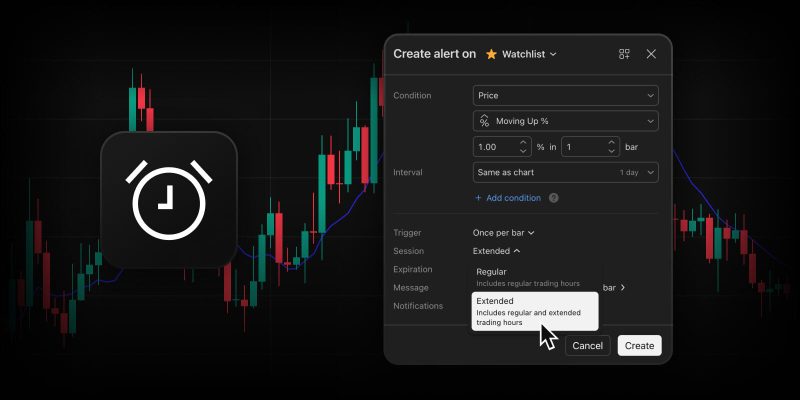
Trading opportunities don’t check the clock. Major price movements, earnings releases, and other market-moving events frequently occur when the main exchange is quiet, making it easy to miss important updates.
To give you complete coverage, we’ve expanded your automation toolkit. Our watchlist alerts now support extended trading hours (ETH), helping you stay on top of market activity and react faster to major events.
Why it gives you an edge
Unlocking pre-market and post-market data for your entire watchlist at once brings a new level of precision and convenience to your daily routine:
- Capture off-hours momentum: Stay instantly informed about pre-market gap-ups or post-market earnings reactions across hundreds of symbols simultaneously
- Maximum efficiency: Instead of manually building individual alerts for every single symbol to monitor pre-market and post-market activity, a single watchlist alert does the work for you
- Automatic syncing: Your alert updates itself. If you add a new symbol to your watchlist, the active alert automatically starts tracking it. Remove a symbol, and it stops tracking it
How to activate it
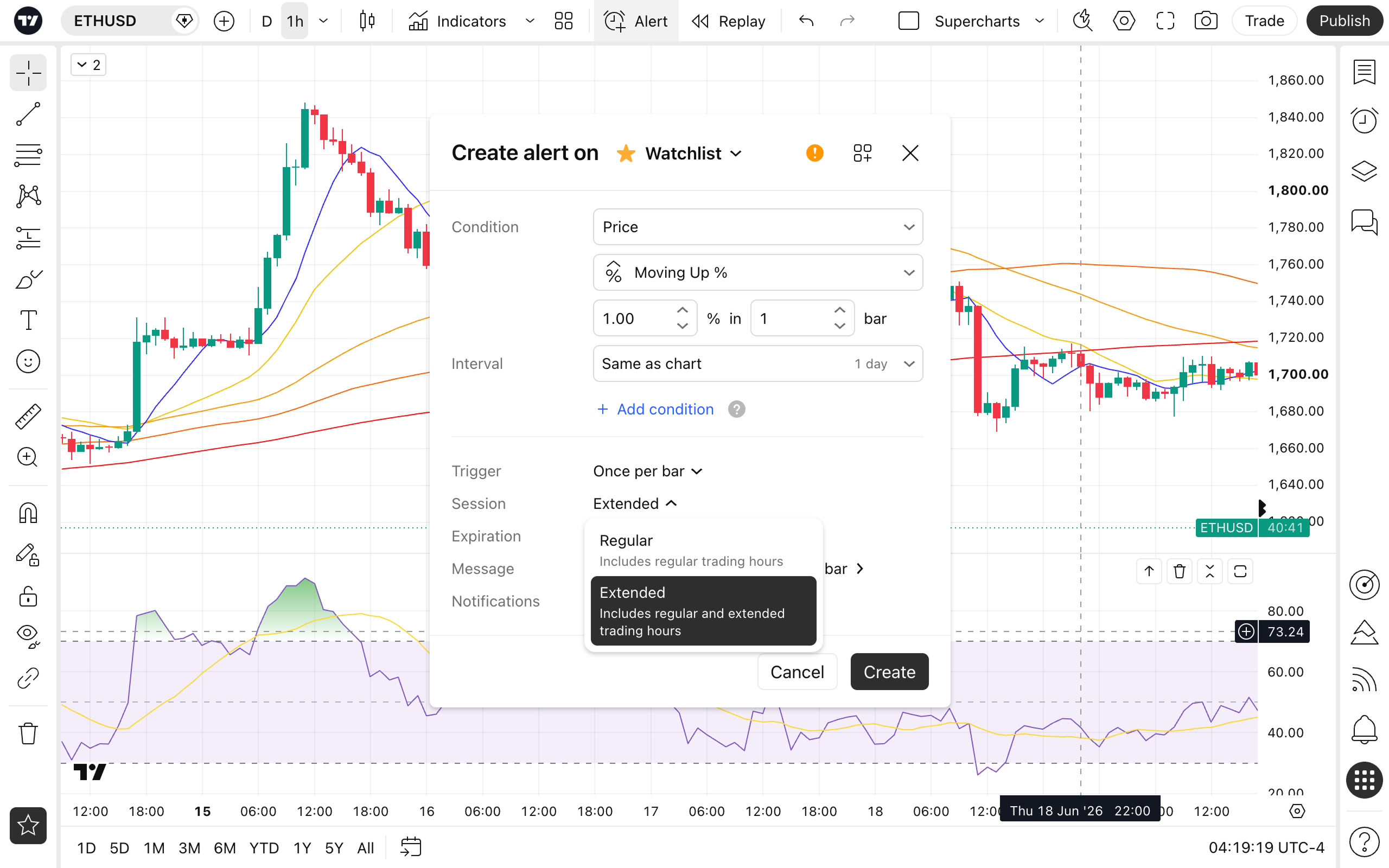
Setting up extended-hours monitoring for your watchlist takes just a few clicks:
- Open the Create alert dialog and select your Watchlist
- Define your technical condition (e.g., Price Moving Up)
- In the bottom parameters section, open the Session dropdown and switch it to Extended
A few things to keep in mind
- Timeframes: Extended monitoring applies to intraday intervals (minutes, hours). Daily alerts are calculated using standard daily bars
- Asset coverage: Extended-hours monitoring is available for US stocks and ETFs
- Futures exception: Futures symbols in your watchlist always calculate using their native electronic trading hours (ETH), regardless of the selected session
We hope this latest addition gives you greater precision and control over your market monitoring, helping you stay up to date and refine your trading strategy. Open your charts, toggle your favorite watchlists to Extended, and let your automation do the work. As always, let us know what you think — your feedback helps us keep making the platform better.
Team TradingView