TradingView Calendar: key economic and corporate events
The TradingView Calendar consists of four specialized tools: the Economic Calendar, Earnings Calendar, Dividend Calendar, and IPO Calendar. Together, they help you track key global economic events and dive into corporate announcements that reveal business performance — potentially guiding you toward profitable stocks and bonds.
By using the Calendar, you can prepare for major upcoming events that traditionally move the markets, such as FOMC meetings or BLS unemployment rate reports. Having this information at your fingertips helps you navigate the financial landscape, allowing you to proactively adjust existing positions or decide when to open new ones once the market outlook becomes clearer.
How to access the Calendar
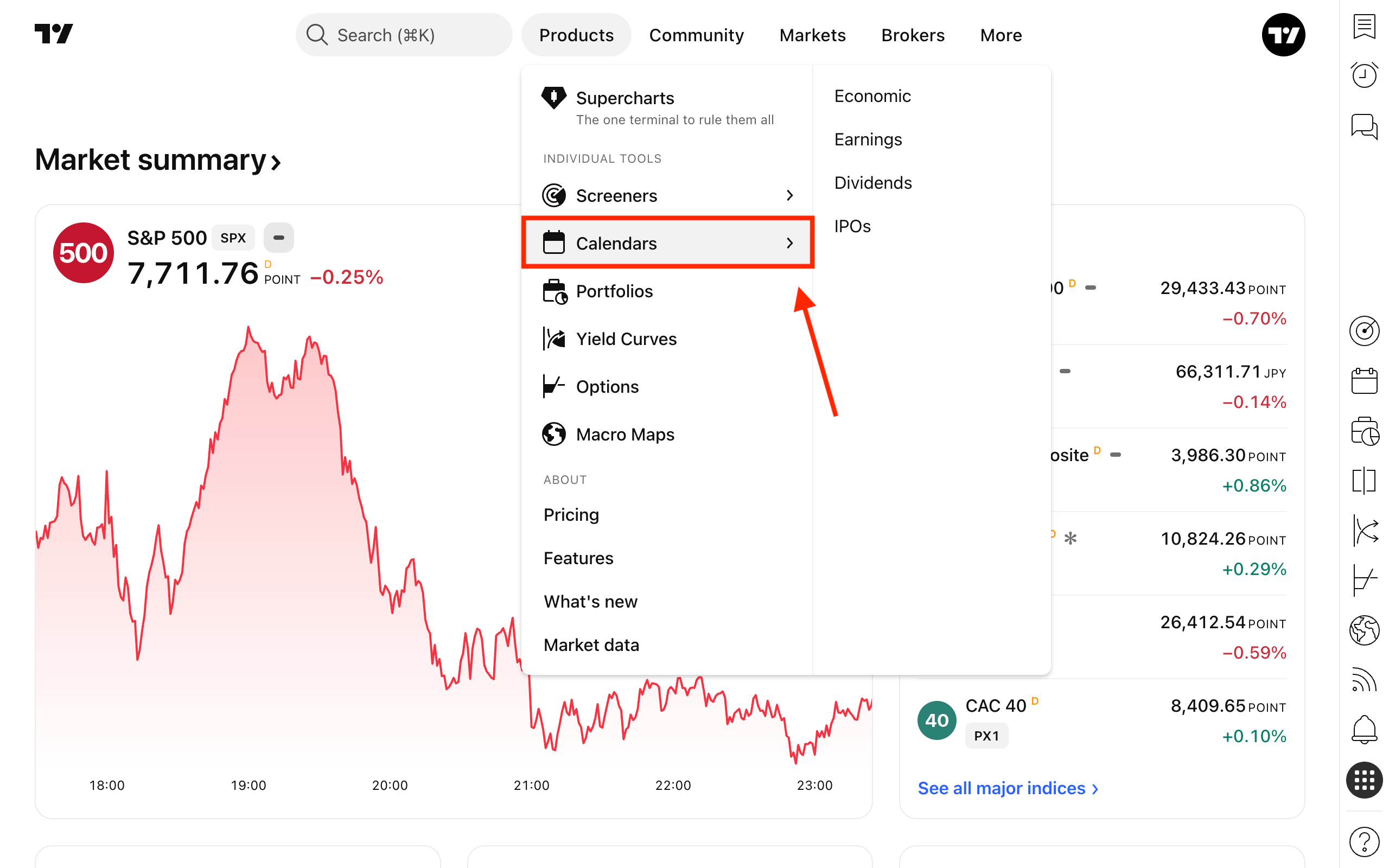
From the main page, open the Products dropdown menu and select Calendars.
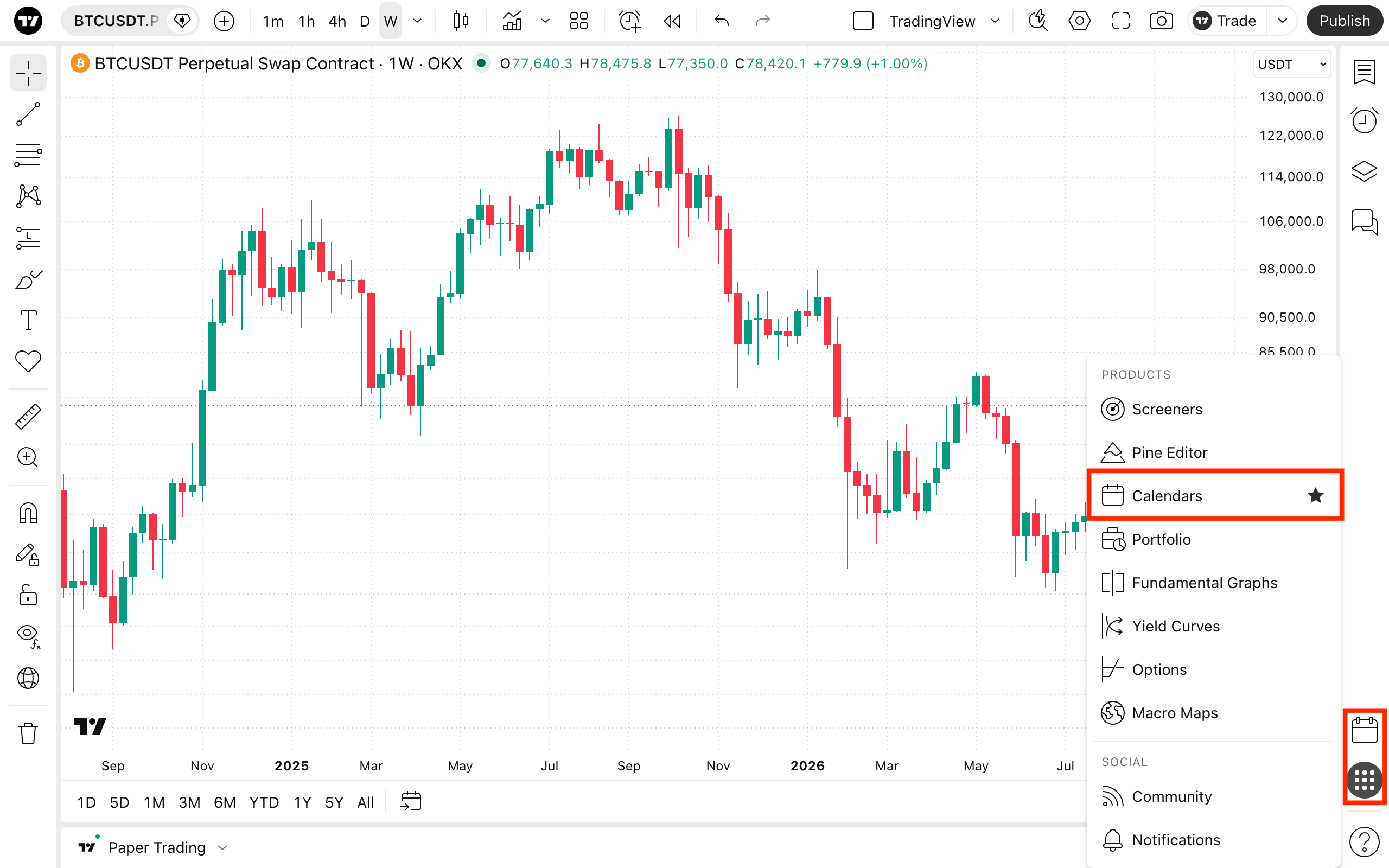
Alternatively, you can access it directly via the overlay sheet within Supercharts.
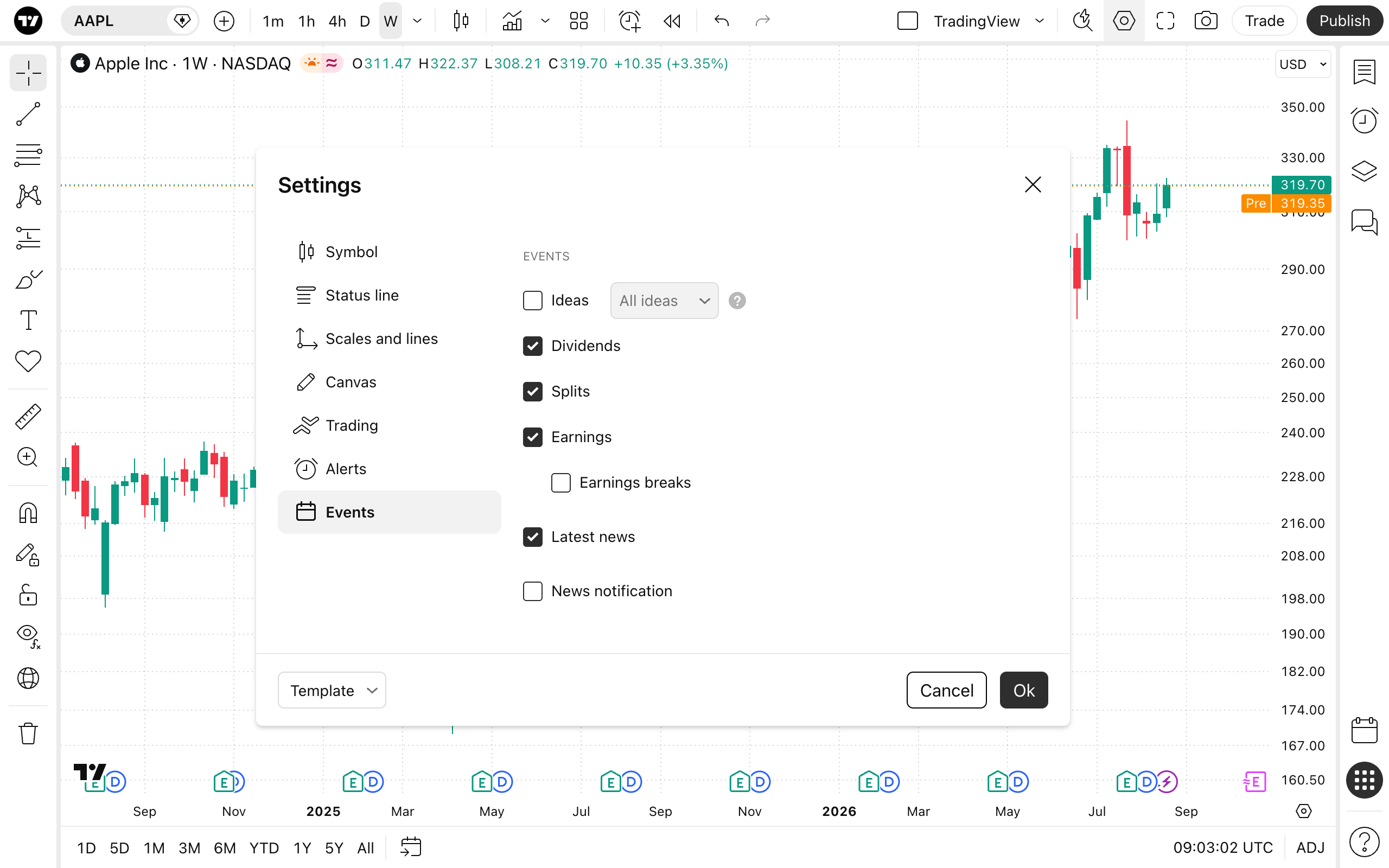
In your Supercharts settings, you can choose to display these calendar events directly on your charts. To do this, open the chart settings, navigate to the Events tab, and check the options you need.
For other symbols, you can overlay key global economic events pulled directly from the Calendar.
TradingView Calendar in a nutshell
The Calendar is a tool for both fundamental and technical traders. By aggregating global economic data, corporate earnings, dividend payouts, and upcoming IPOs into one easily accessible hub, it ensures you are never caught off guard by market-moving announcements.
Also read: