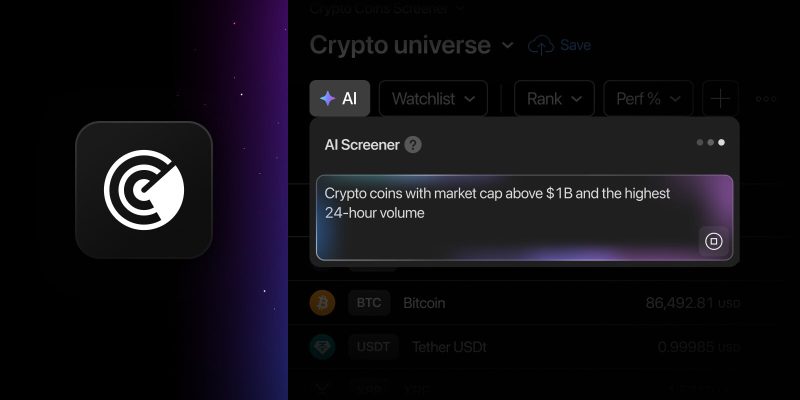
Crypto markets move fast, and finding the assets that match a specific idea can take time. You might be looking for large-cap coins with weekly gains above 10% or coins with the highest momentum. Normally, that means translating the idea into individual metrics and configuring your screen step by step.
The AI Screener takes care of that setup for you. Describe the crypto assets you want to find in plain text, and it turns your request into a working screen in the Crypto Coins Screener — applying the relevant filters, organizing the table, and sorting the results. All with the same functionality you’re already familiar with from the AI Stock Screener, available across all paid plans.
Describe it, screen it
To get started, open the AI panel from the icon in the upper-left corner of the filter panel, or use the Shift + A shortcut. Then add your idea in everyday language.
The AI Screener interprets your request using the metrics already available in the Crypto Coins Screener. For example, ask for “crypto coins above $1B in market cap with positive performance this week,” and it identifies the corresponding conditions and applies them for you. There’s no need to search through the available filters or translate your idea into a specific query format.
The results are arranged around your request as well. Relevant columns are brought into the table, including any that weren’t previously displayed, and the assets are ordered according to the main metric in your prompt. Ask for the most actively traded large-cap coins, for example, and trading volume becomes central to the resulting view. If needed, the Screener also switches to the table layout automatically.
Know what’s behind the results
You can always check what happened behind the scenes. Open Explanation from the AI panel to see how your words were translated into Screener conditions, which columns were selected, and what determines the order of the results.
The AI Screener can also handle imperfect prompts. A typo or slightly different wording won’t necessarily stop your search — it can identify the intended metric or condition and tell you how it interpreted the request.
Screen on the go
The AI Screener is also available on mobile web, so you can turn your ideas into custom screens even when you’re away from your desk.
Keep in mind
The AI Screener is continuously evolving as we refine its capabilities. Note that:
- Requests can be made in any language (tip: best results are achieved in English)
- Running an AI request replaces any manually set filters
- Request limits vary depending on your paid plan. You can check the limits for each plan on our pricing page
- Screener results are intended to support your own research and shouldn’t be treated as financial advice or recommendations
Start exploring with ready-made prompts
If you don’t have a specific screen in mind yet, open the AI panel to explore a collection of prepared prompts. You can start with ideas such as “Coins with low market cap to TVL ratio” or “Coins with MACD bullish crossover on daily timeframe,” then use them as they are or as inspiration for your own searches.
You can also type a keyword to quickly filter the available suggestions. And since using these templates doesn’t reduce your monthly request balance, you can explore them freely.
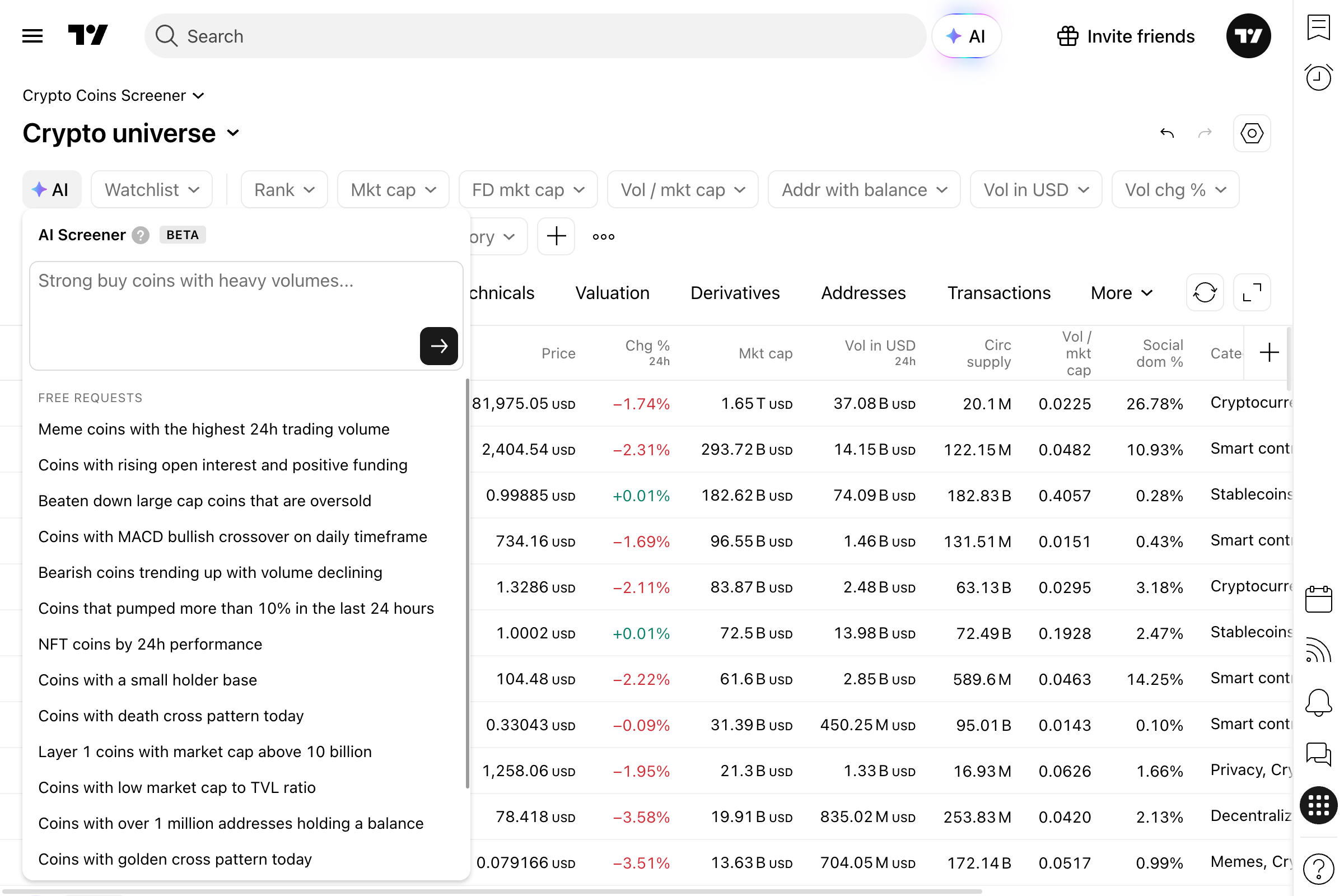
So head to Crypto Coins Screener, type your request, and let AI do the rest.
Our team looks forward to your feedback — share your thoughts in this Reddit thread.
Team TradingView