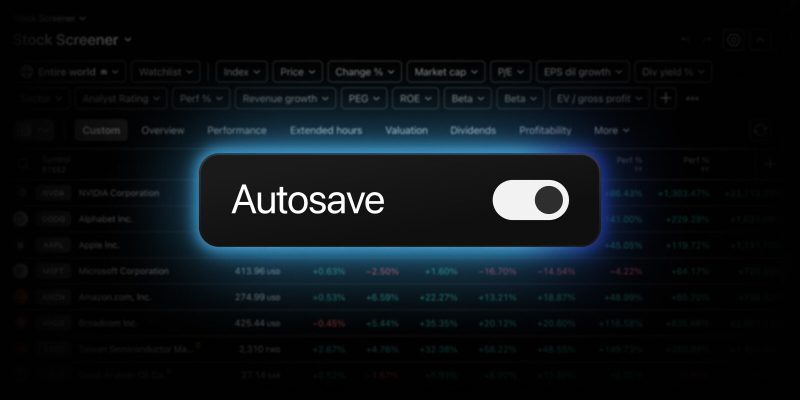
Building the perfect screener setup takes time — choosing the right filters, arranging columns, fine-tuning sorting. The last thing you want is to lose your work because you forgot to hit save, or to second-guess a change you can’t take back. That’s why we’re rolling out two new features across all TradingView screeners: autosave and undo/redo capabilities.
Enabling autosave
Once you’ve logged into your TradingView account and opened one of your saved screens, head to the screener menu and toggle on “Autosave.” Every change made in your screen will be saved automatically 2 seconds after every edit.

Autosave helps you stay focused on your analysis without worrying about losing progress. It’s especially useful when you’re testing filters, refining criteria, or making frequent adjustments — no need to manually save each step.
By default, all saved screens have autosave turned off. No changes are saved automatically unless you explicitly enable it yourself.
Note: autosave works separately for each screener type. If you enable it in the Stock Screener, it will apply to all your saved screens there — but it won’t affect other screeners. You can turn autosave on or off independently for each one.
Using undo and redo
With the new undo and redo capabilities, you can revert or reapply any change in seconds:
- Make any change to your screener — add a filter, rearrange columns, adjust sorting
- To undo, click the undo button in the screener toolbar or press Ctrl + Z / Cmd + Z
- To redo, click the redo button or press Ctrl + Y / Ctrl + Shift + Z / Cmd + Shift + Z
Undo and redo work for all screener actions, meaning you can freely explore different screening configurations without worrying about losing a setup that was working well.

We hope these new features help you browse markets more effectively and explore new perspectives easily.
As always, we look forward to your feedback — it helps us make TradingView even better.
Team TradingView